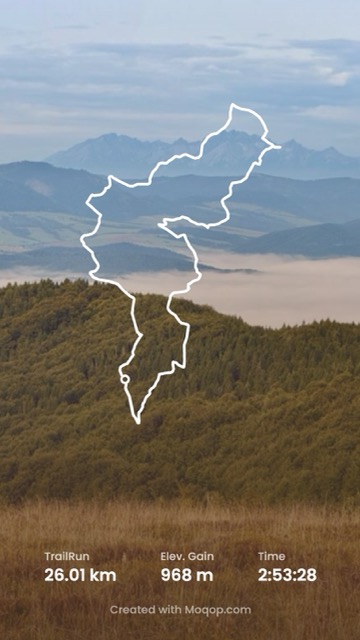
Turn Your Strava Activities into Stunning Instagram Stories
Built for Stravato
 Instagram
Most Strava posts on Instagram are the same thing: a screenshot of the app, straight off the phone. It works, but it doesn't do justice to the run or ride behind it. Moqop's Strava to Instagram integration turns that same activity data into a designed visual in about the same time it takes to take the screenshot.
"This is a great site and I'm recommending it to all of my Strava using friends!" — Sahil, Moqop User
"The rendered image is perfect and it gives a whole new perspective in Instagram 'Strava' stories :)" — Mathieu, Moqop User
How it works
- Connect your Strava account. Moqop only requests read access—your data stays yours.
- Choose an activity. Browse recent runs, rides, and hikes, each with its key stats and route already attached.
- Generate and customize. Adjust the layout and export a Story (9:16) or square post (1:1), ready to share.
What you get
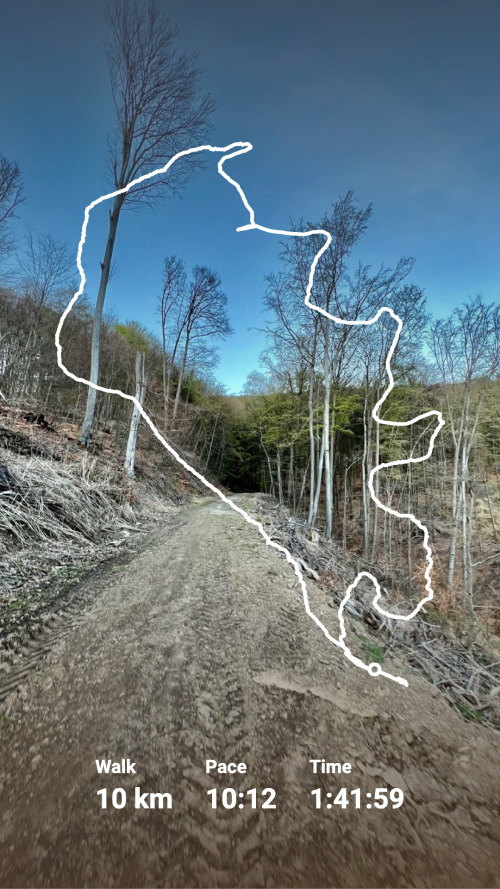
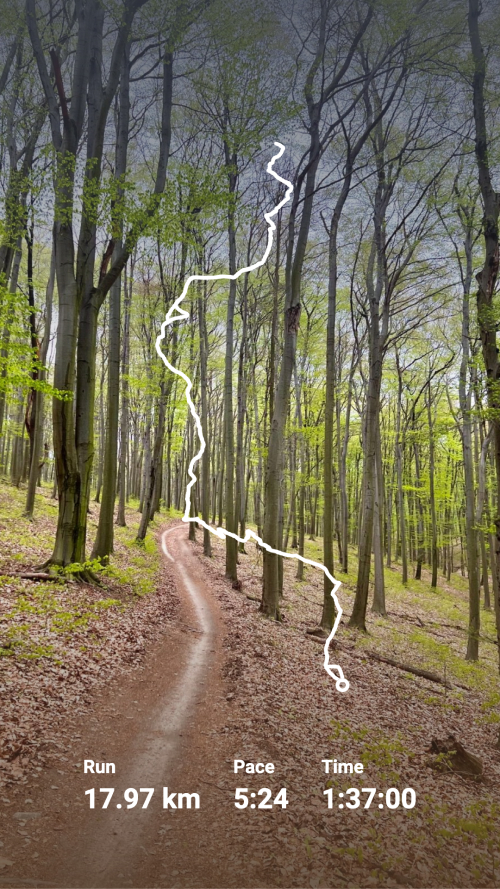
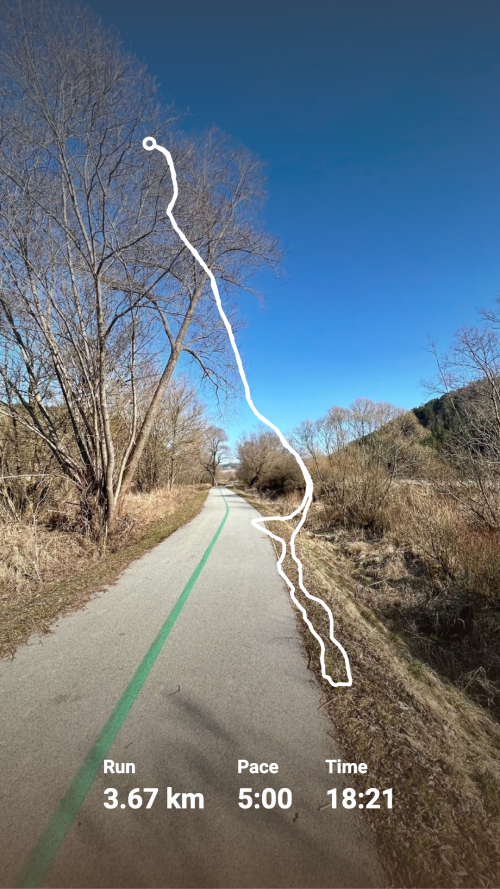
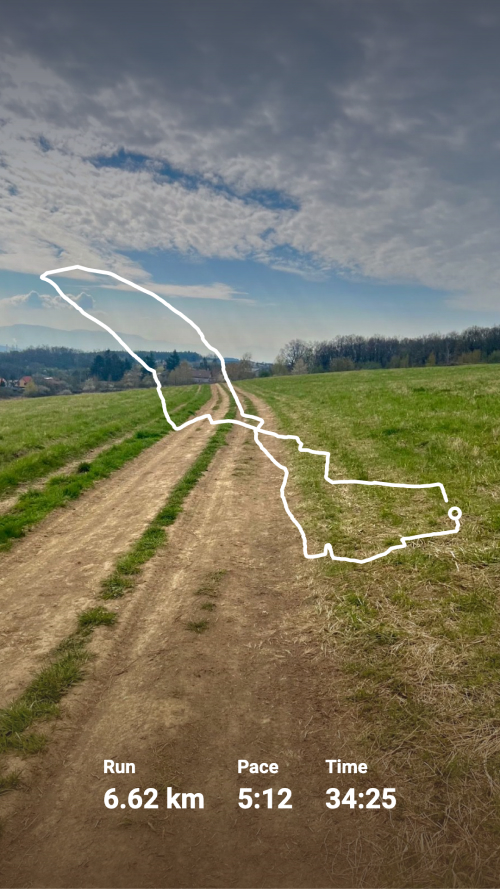
- Route visualization — your GPS track rendered as a clean polyline, not a cropped map screenshot
- Automatic stats — distance, pace, elevation, and moving time, formatted and placed for you
- Photo integration — use your activity photos as the background, or upload your own
- Full control over style — Story or square format, metric or imperial units, solid or dotted route lines, light or dark themes
Built for every kind of activity
Runners can turn a personal best or a long training run into something worth sharing. Cyclists can show off a climb or a long group ride with the route front and center. Hikers get elevation and distance rendered clearly enough to tell the story of the trail. And if you post fitness content regularly, the consistent style keeps your feed looking intentional instead of like a pile of app screenshots.
Getting started
Go to moqop.com, open Strava to Instagram, connect your account, and pick an activity. Customize the visual, download it, and post. That's the whole process—no design software, no manual data entry.
Try Strava to Instagram
template now