Rather than starting from a blank canvas, the Strava story generator builds the image for you: connect your data, pick a style, adjust a few settings, and export.
The workflow
- Go to moqop.com/app/strava-to-instagram and connect your Strava account (read-only access)
- Choose an activity—run, ride, hike, or walk
- Pick a template: Minimal, Detailed, Overlay, or Achievement
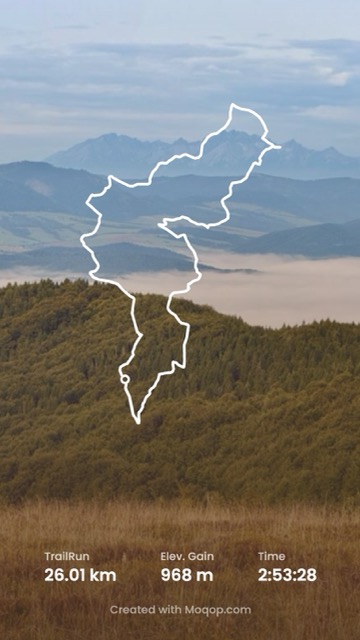
- Customize which stats to show (distance, pace, time, elevation, calories), your units (metric or imperial), and the route's line style and color
- Export as a Story (9:16)
What the generator actually handles for you
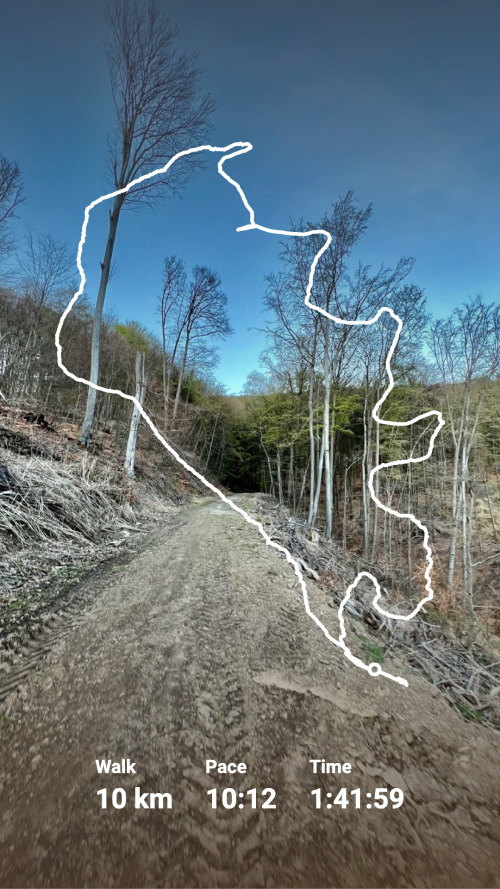
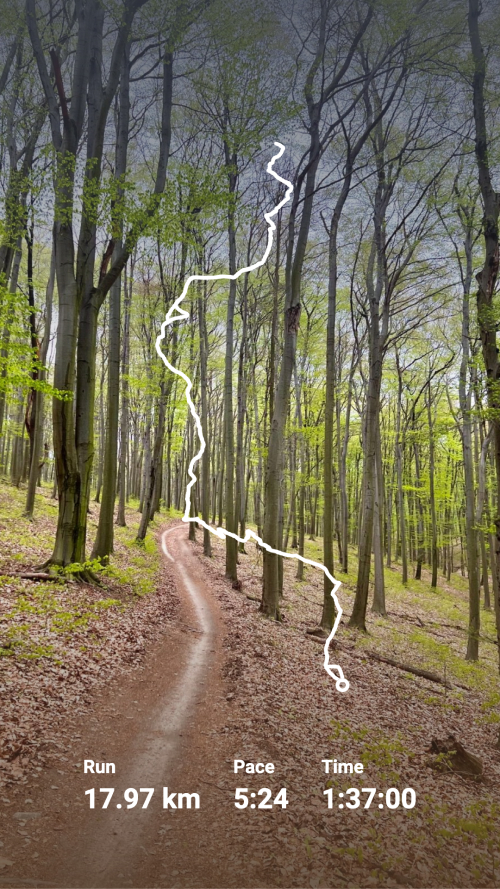
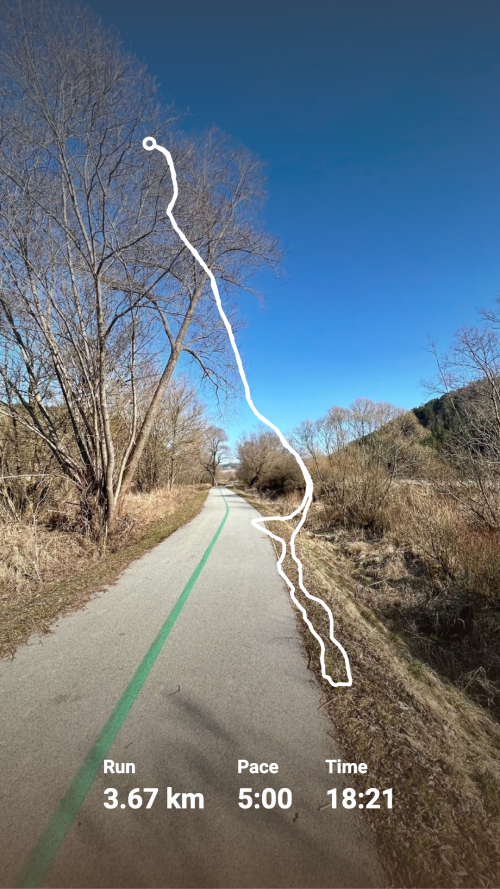
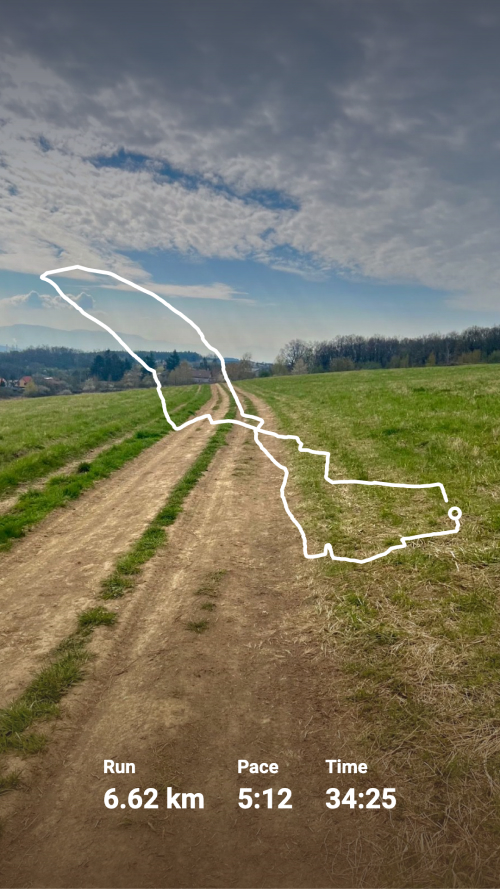
It pulls your activity data directly from Strava—no typing in numbers by hand—renders the GPS route as a styled line rather than a raw map screenshot, and applies your chosen template consistently, so a run today and a ride next week come out looking like they belong to the same account.
Where it's most useful
Daily training logs, personal-best celebrations, route discovery posts, and anything where you want to post regularly without redesigning the layout from scratch every time. The generator handles the repetitive part; you're left choosing which workout is worth posting and what to say about it.
Strava
Instagram
Generator
Story
Automation
MG
Milan Gladis, CEO of Moqop · Sep 04, 2025
Keep exploringTry Strava to Instagram


Try Strava to Instagram
template now
Strava
toInstagram
Generate Instagram Story from Strava activity and visualise running or cycling with a decent polyline over the picture.
Generate Image