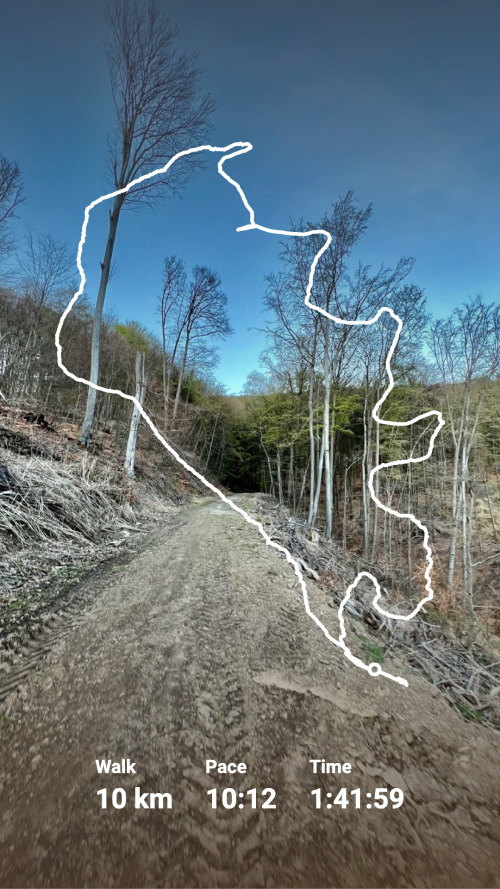
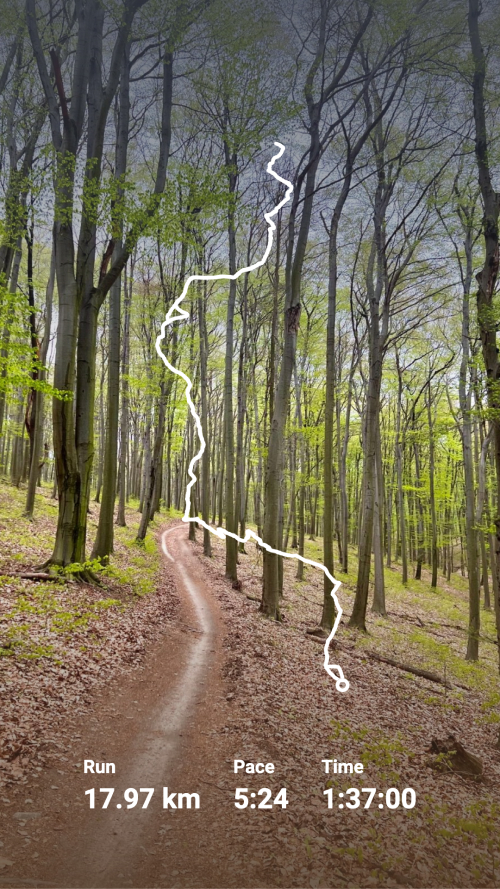
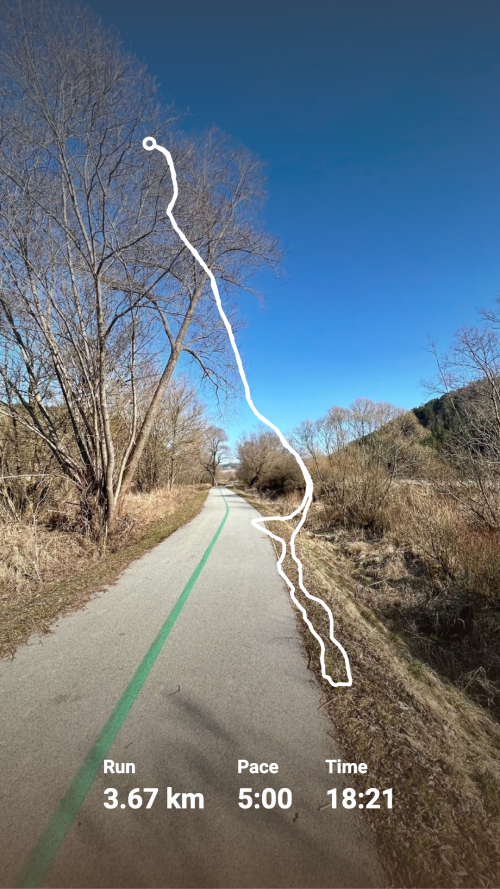
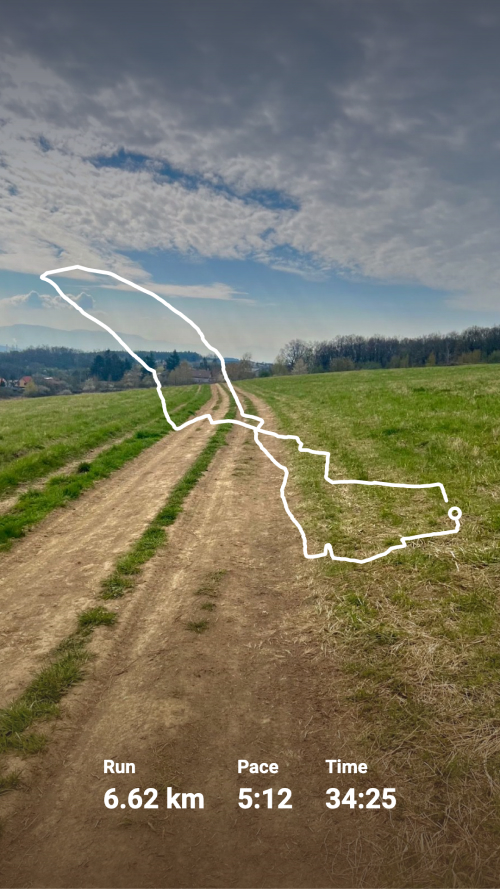
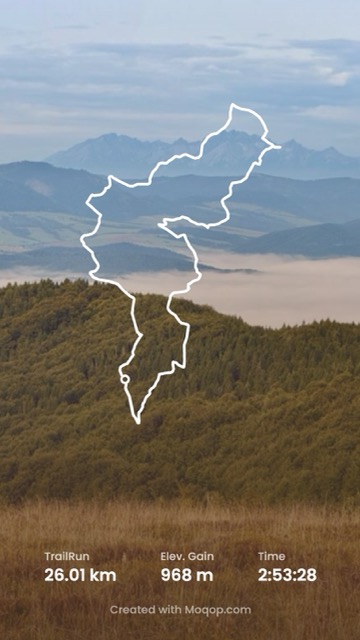
A GPS track is more than a thin line on a map—styled well, it can be the centerpiece of the post. Here's how to get there.
1. Open the Strava to Instagram app
Connect your account at moqop.com/app/strava-to-instagram.
2. Choose an activity with GPS data
Any run, ride, hike, or walk with a tracked route works.
3. Style the route
Pick a line style—solid, dotted, or double-line—and set a color that either matches your brand or complements the photo you're layering it over.
4. Choose transparent or full design
Go transparent if you're layering the map over your own photo, or keep the full design if you want the map itself as the background.
5. Add data, or leave it minimal
Include distance, elevation, or pace—or skip stats entirely and let the route speak for itself.
6. Export and download
Choose Story (9:16) or Square (1:1) and save.
What makes a route map work
Contrast matters most: a route line needs to stand out clearly against whatever it's placed on. And restraint helps too—the route is naturally the most interesting part of the image, so it's worth keeping the surrounding text minimal rather than crowding the map with every stat available. This works especially well for scenic routes, unusual trails, or long-distance rides where the shape of the path tells its own story.
Try Strava to Instagram
template now