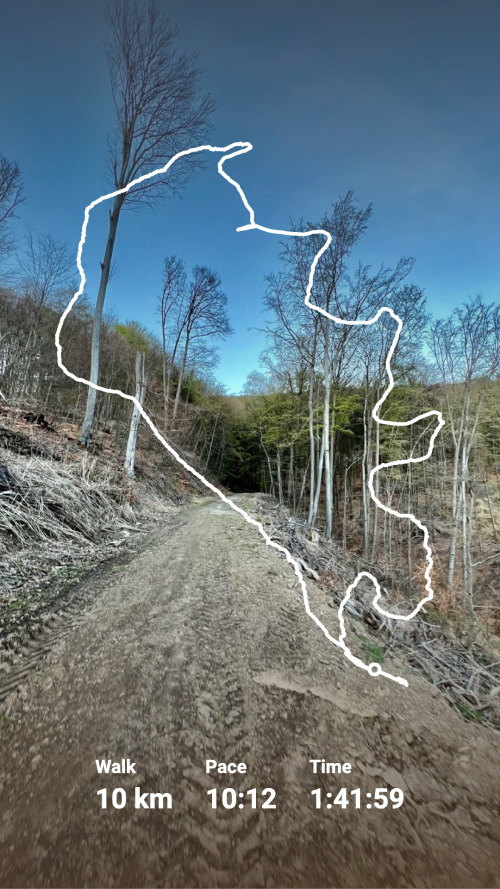
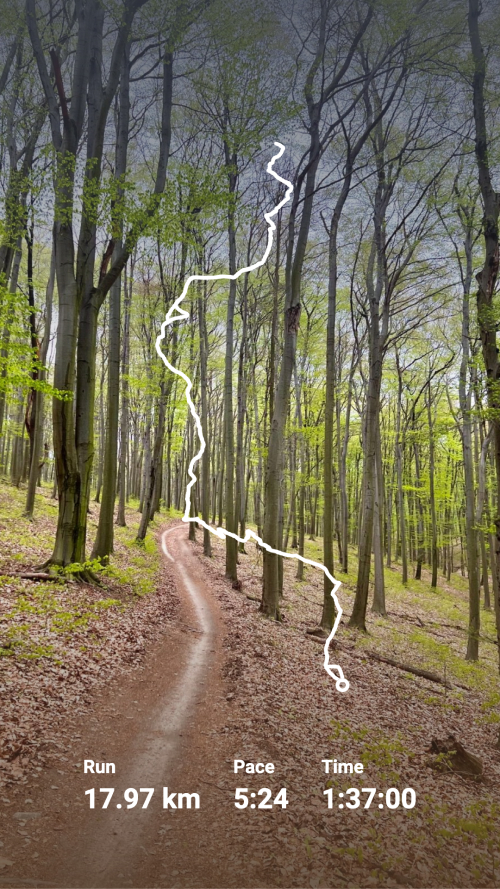
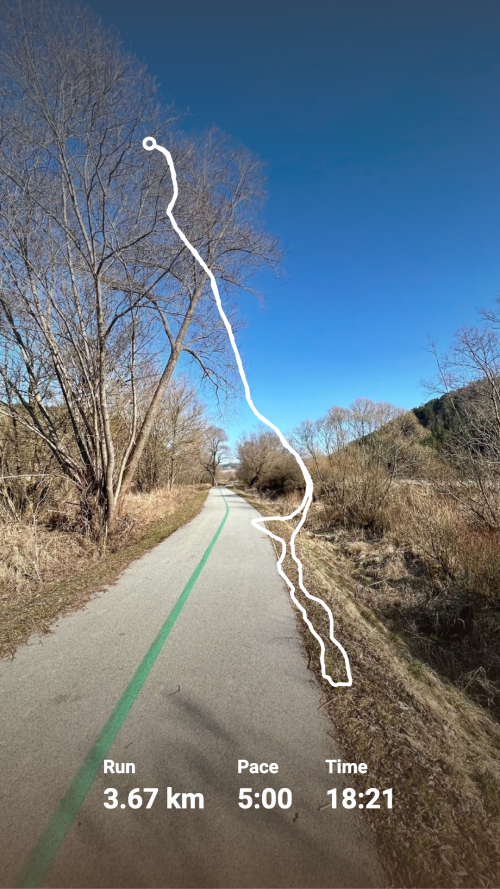
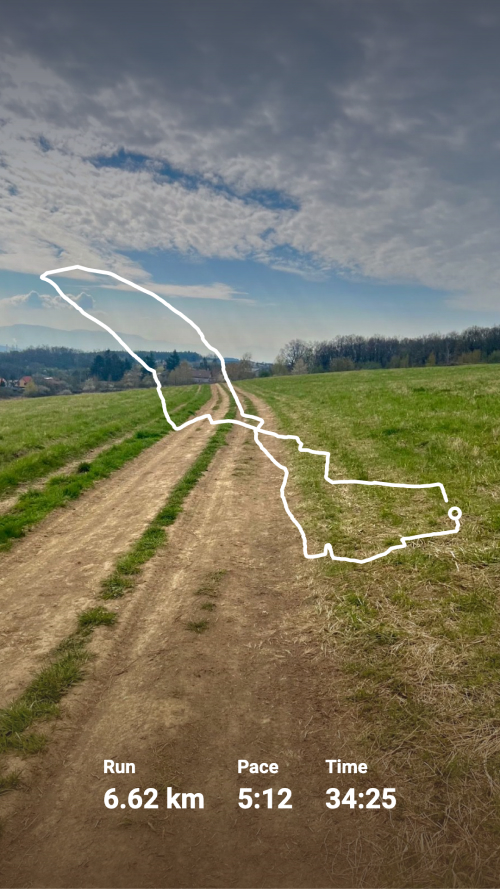
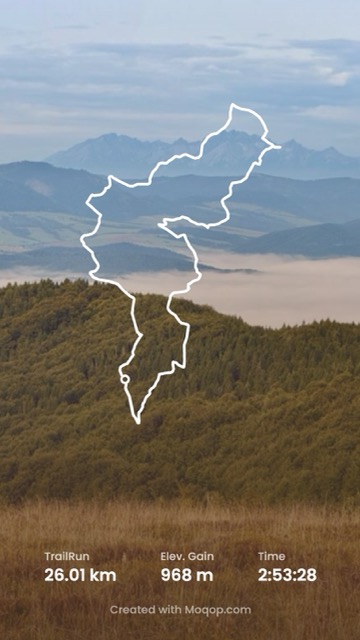
Rather than designing a Strava story from scratch every time, Moqop gives you a few ready-made template styles to build from.
The templates
Minimalist — just the route and the essentials: distance, time, pace. Works for any activity type and stays out of the way of a good photo.
Detailed — the full breakdown: route with elevation, complete stats, and activity photos included. Best when the workout itself is the story.
Overlay — transparent background, built to sit on top of your own photo rather than replace it, with stats you can reposition.
How to use one
- Go to moqop.com/app/strava-to-instagram and connect your Strava account.
- Pick the activity you want to post.
- Choose a template and format (Story, 9:16).
- Adjust stats, colors, and units to taste.
- Download and post.
Why pick one and stick with it
Switching templates every post makes a profile look inconsistent. Picking one style and customizing its colors to match your own brand does more for how professional your feed looks than any single well-designed post—consistency reads as intentional, even when the underlying workouts vary a lot.
Try Strava to Instagram
template now