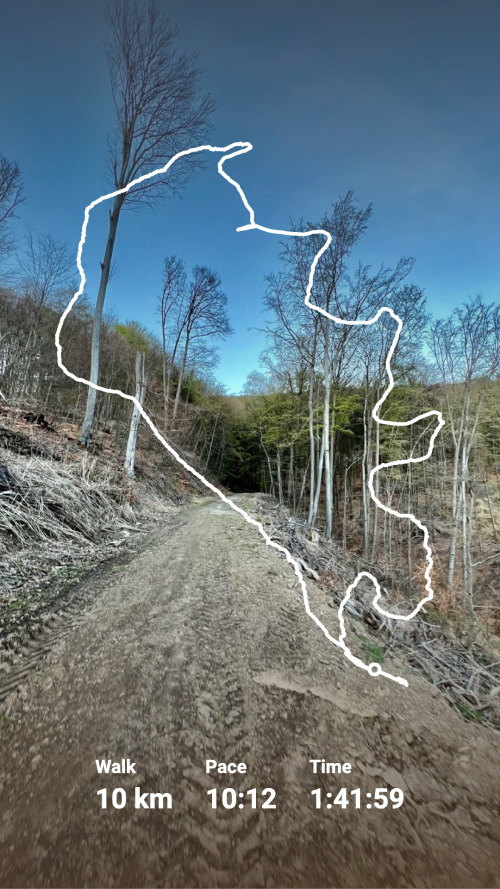
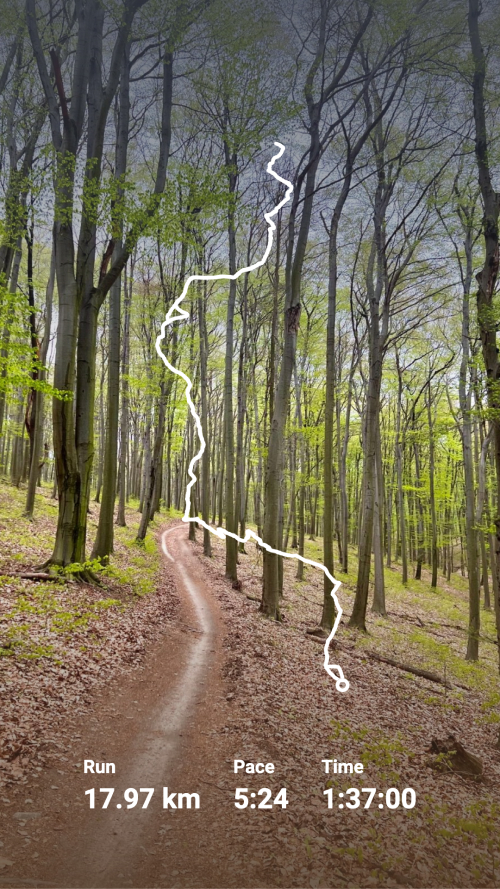
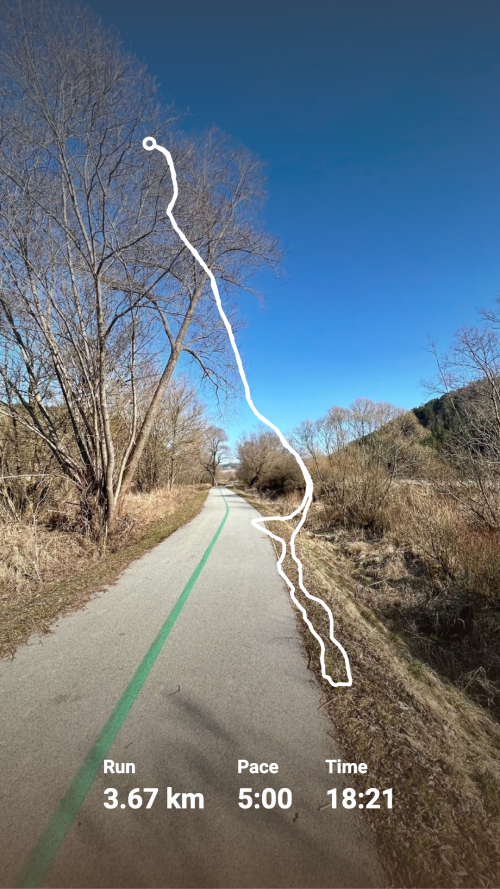
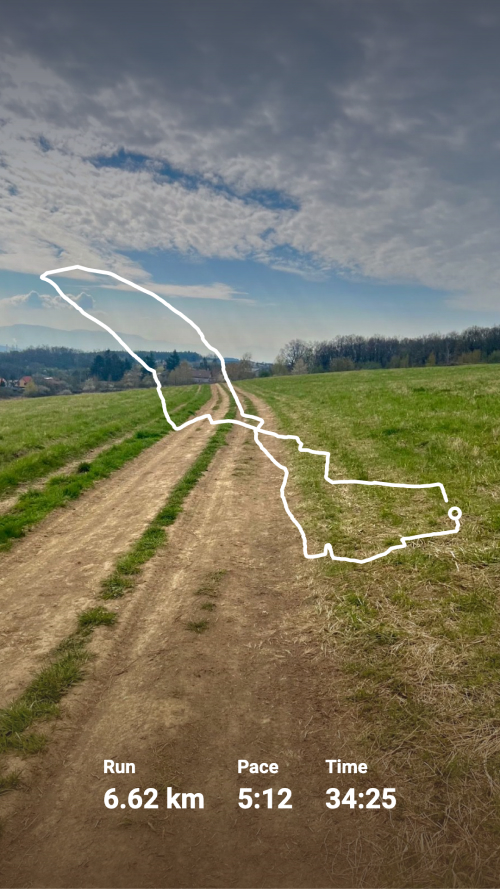
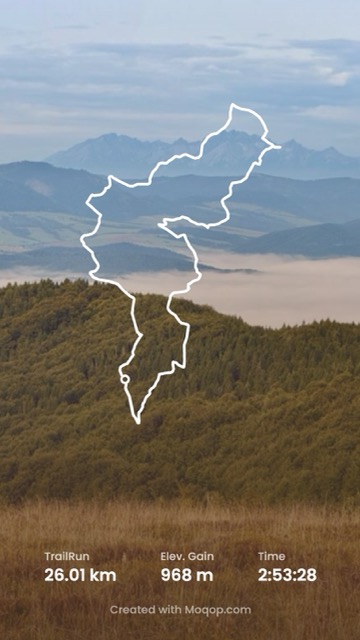
Different activity types need different stats. A run is about pace and distance; a swim is about stroke and distance in the pool or open water; a lift is about sets and weight, not a GPS track. The activity generator adjusts to whichever type you're posting.
How it works
- Open moqop.com/app/strava-to-instagram and connect your account (read-only)
- Browse your recent activities across all types
- Pick one
- Choose a content style: a complete summary, a highlights-only version, a route-focused design, or your activity photo with data layered on top
- Customize the format (Story or Square) and which stats show
- Generate
Stats by activity type
Running — distance, pace, elevation, route map
Cycling — speed, power, climbing data, ride map
Swimming — distance, stroke data, pool or open water
Hiking — elevation profile, trail map, duration
Strength training — exercise summary, weights, reps
Why this matters more than it sounds
A generic template applied to every activity type ends up either cluttered (too many irrelevant fields) or bare (missing the stat that actually mattered). Matching the fields shown to the activity type is what makes the difference between a post that looks generic and one that looks like it was actually built for that workout—training logs, achievement posts, and route-discovery content all benefit from that specificity.
Try Strava to Instagram
template now