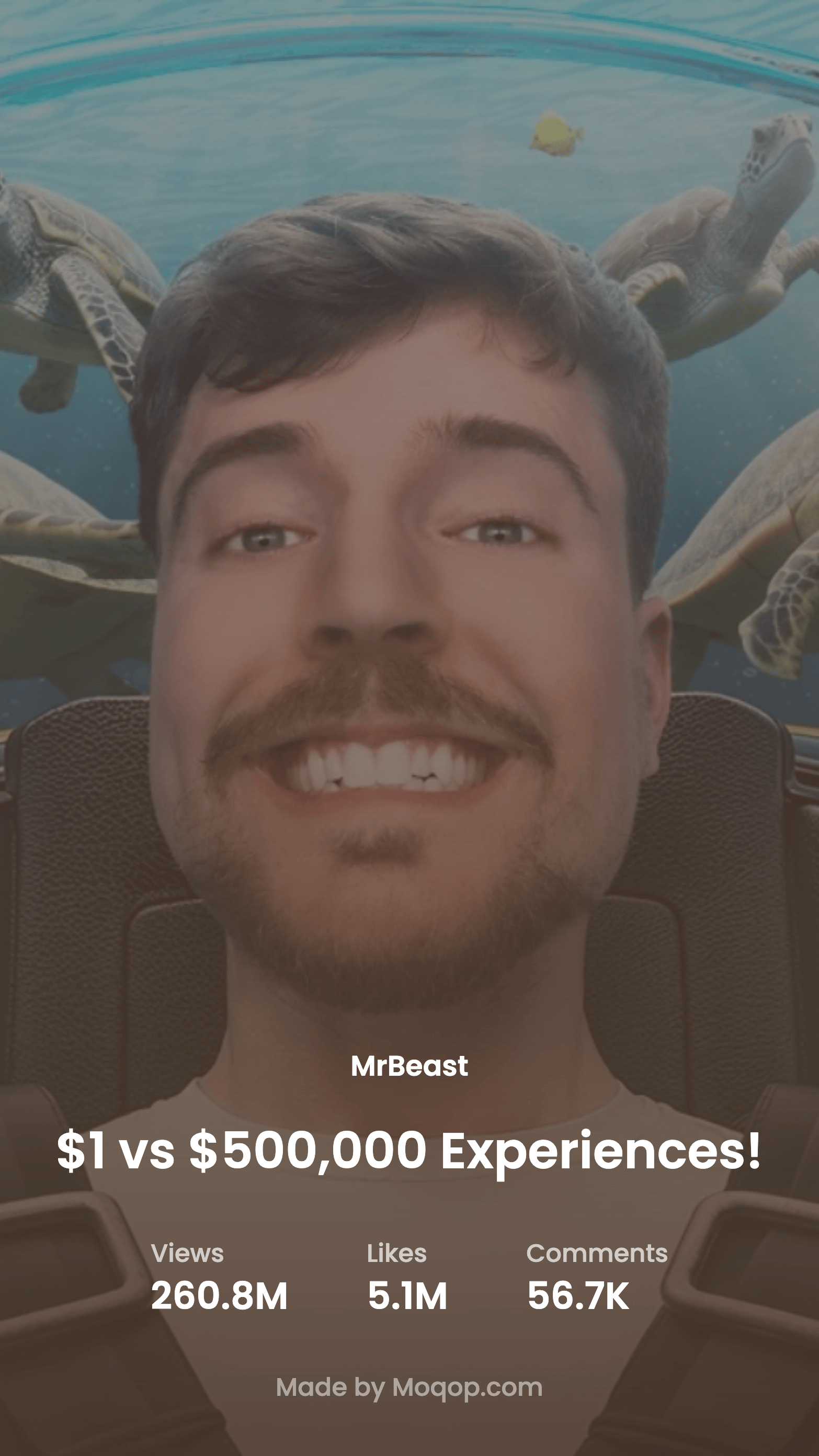
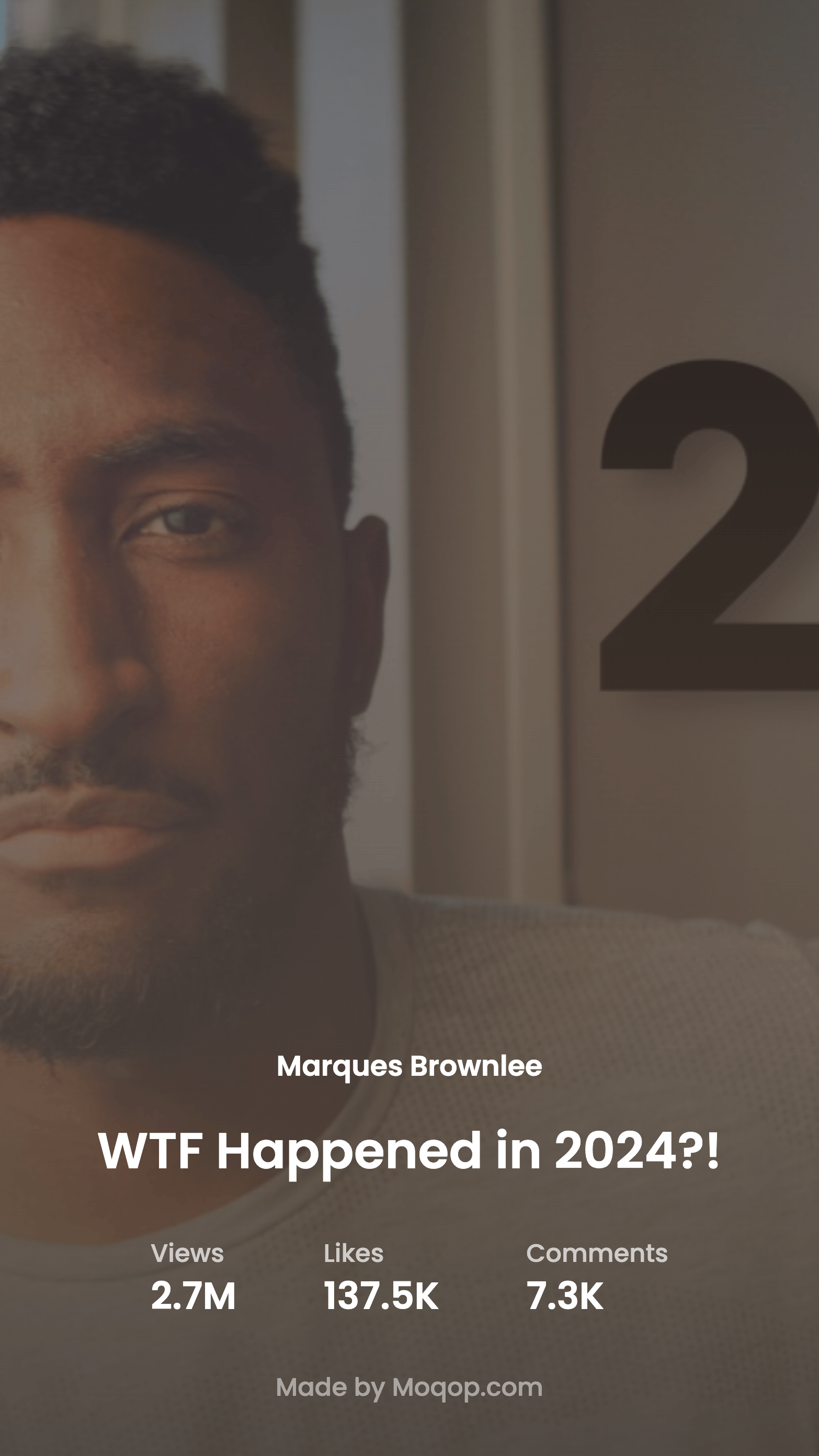
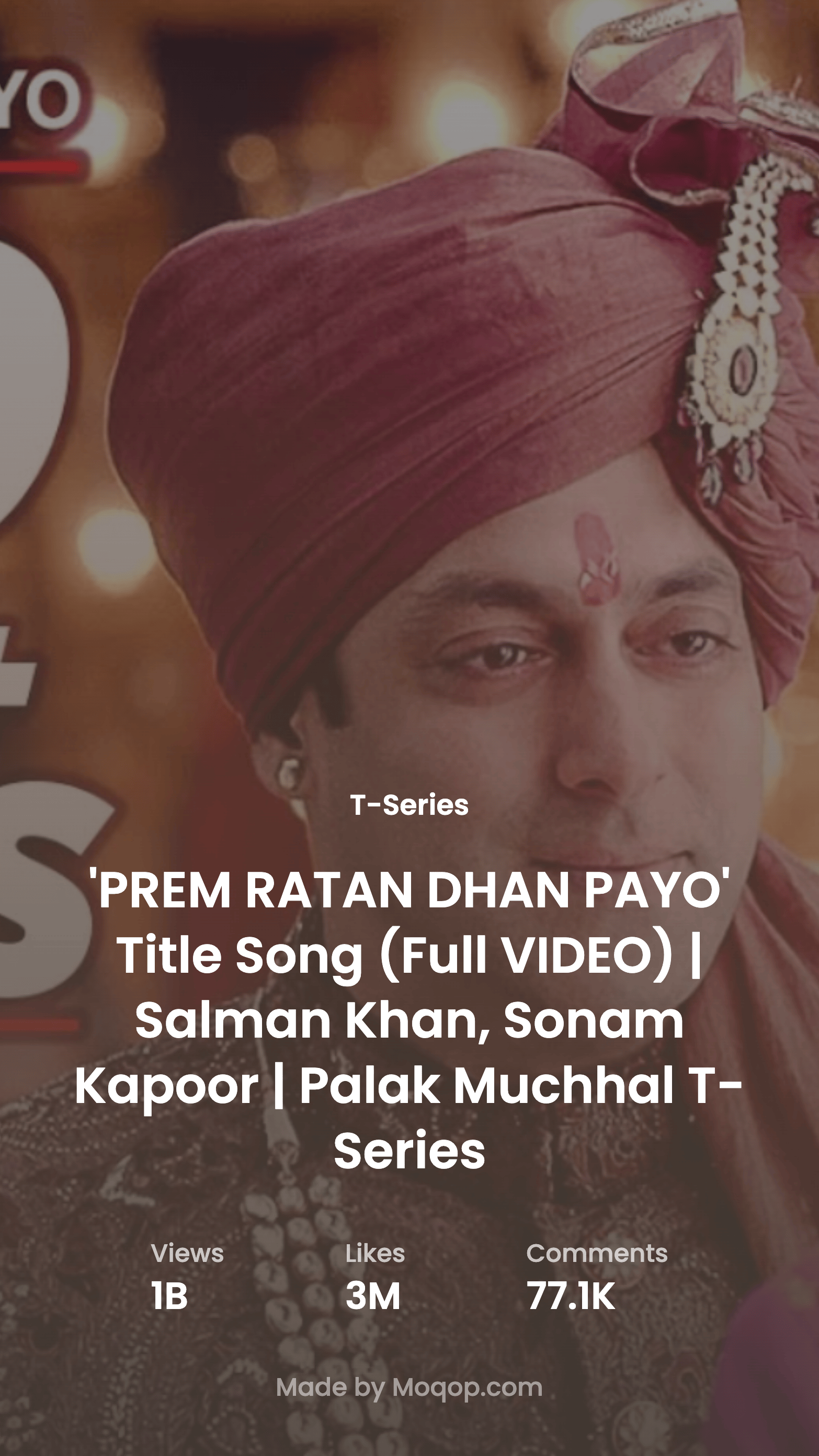
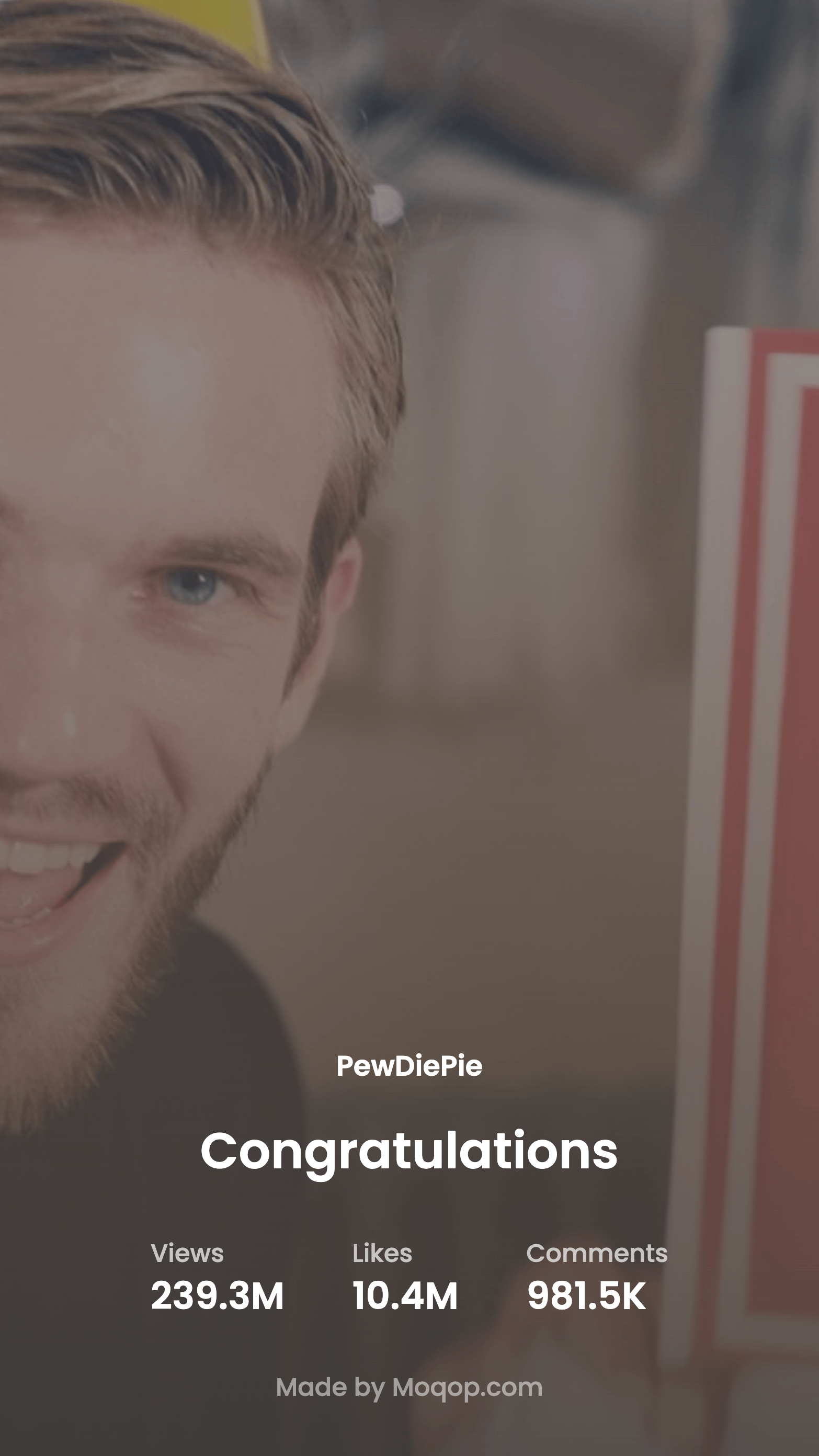
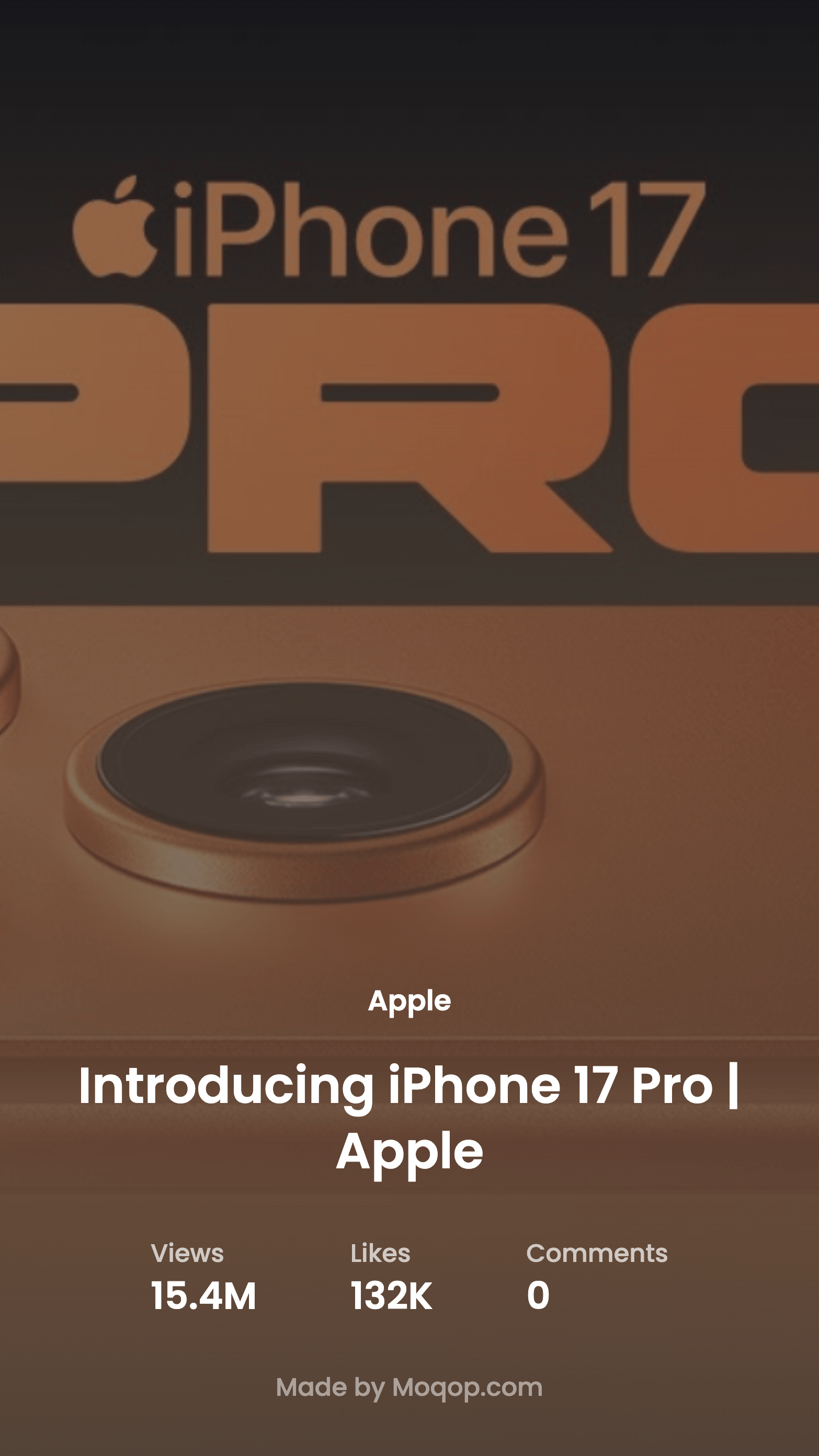
1. Open the YouTube to Instagram app
Go to moqop.com/app/youtube-to-instagram.
2. Paste the video URL
Copy the link to any public YouTube video and paste it in.
3. Choose what to show
Toggle stats like views, likes, and comments, and decide whether to include the thumbnail.
4. Pick a format
Select Instagram Story (9:16) or Square (1:1). A minimal layout tends to read best.
5. Download and post
Export the image and share it to Instagram as a story or feed post.
Why use it
No YouTube API key or login is required—just a public video URL. That's what makes it quick: paste a link, toggle the stats you want, and you have a post in under a minute, styled consistently every time.
Quick FAQ
Can I post directly to Instagram? No—download the image, then upload it to Instagram yourself.
Does it work on mobile? Yes, the app works in a mobile browser end to end.
Do I need a YouTube API key? No, just a public video URL.
Try Youtube to Instagram
template now