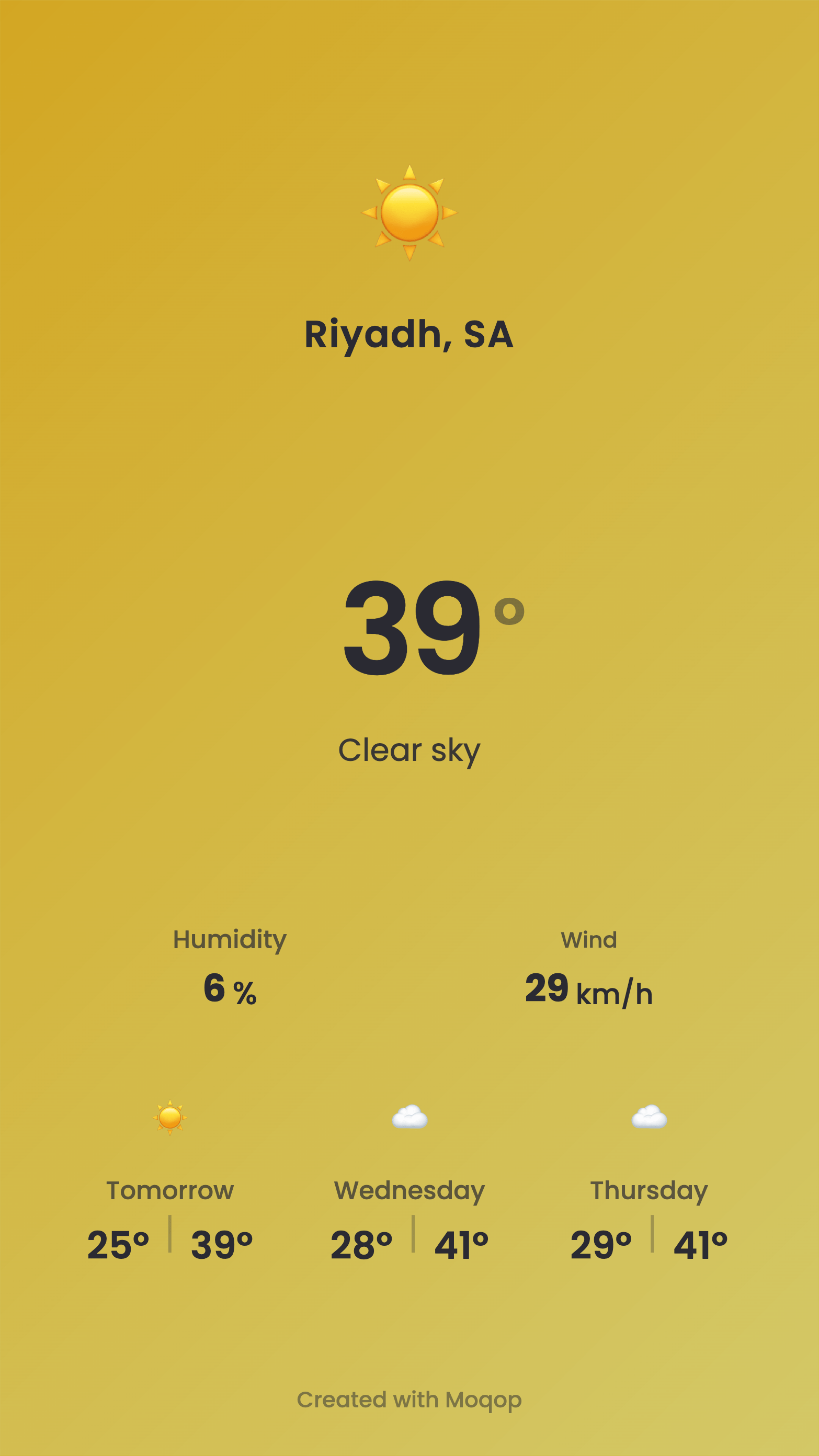
1. Open the Weather to Instagram app
Go to moqop.com/app/weather-to-instagram.
2. Search your location
Enter a city or place—the forecast loads automatically.
3. Choose the details
Pick how many days to show, your preferred units (°C/°F), and whether to include extra detail.
4. Choose a format
Story (9:16) for a quick update, or Square (1:1) for your feed.
5. Download and post
Export the image and share it on Instagram with a short caption.
Why use it
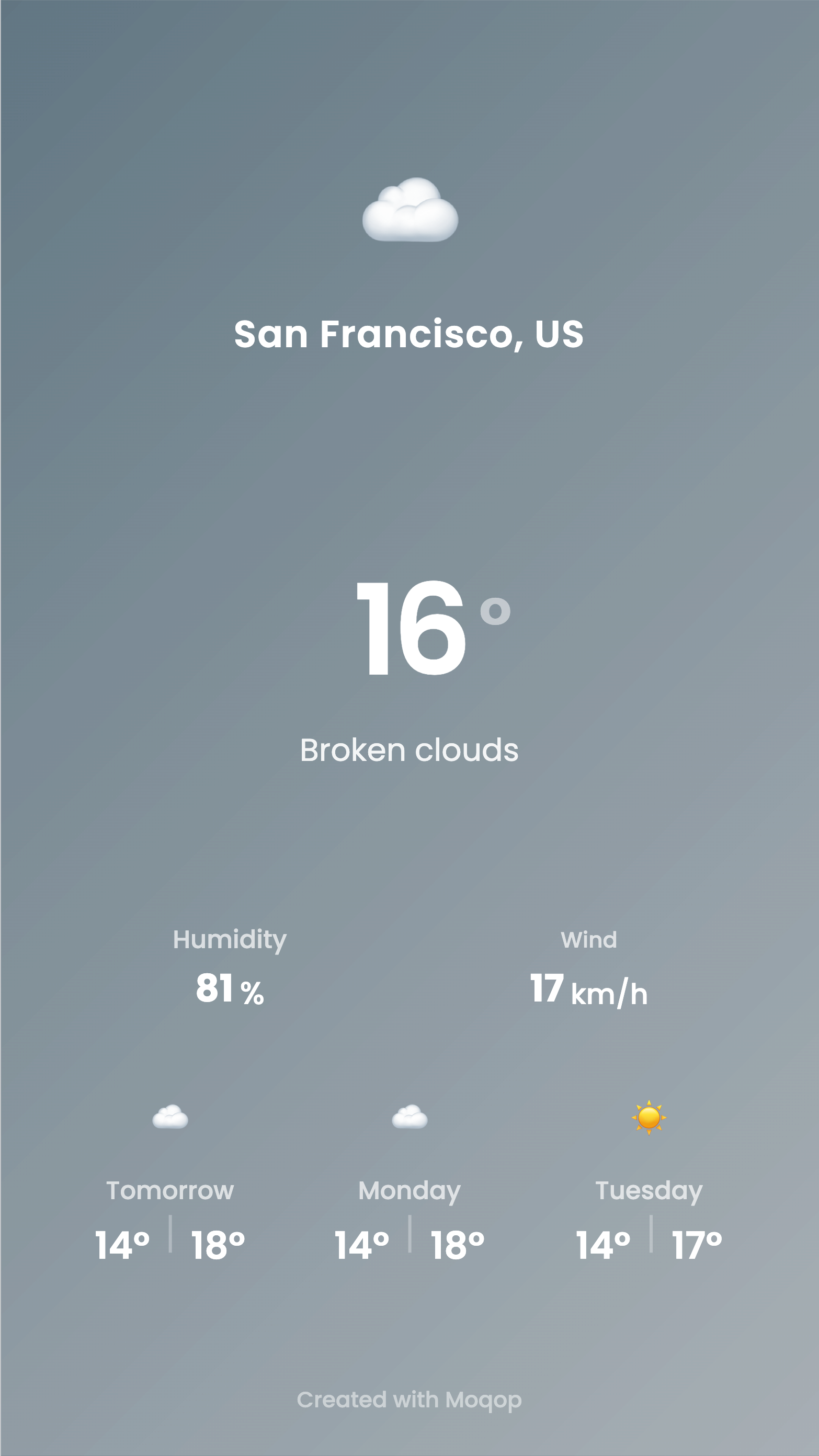
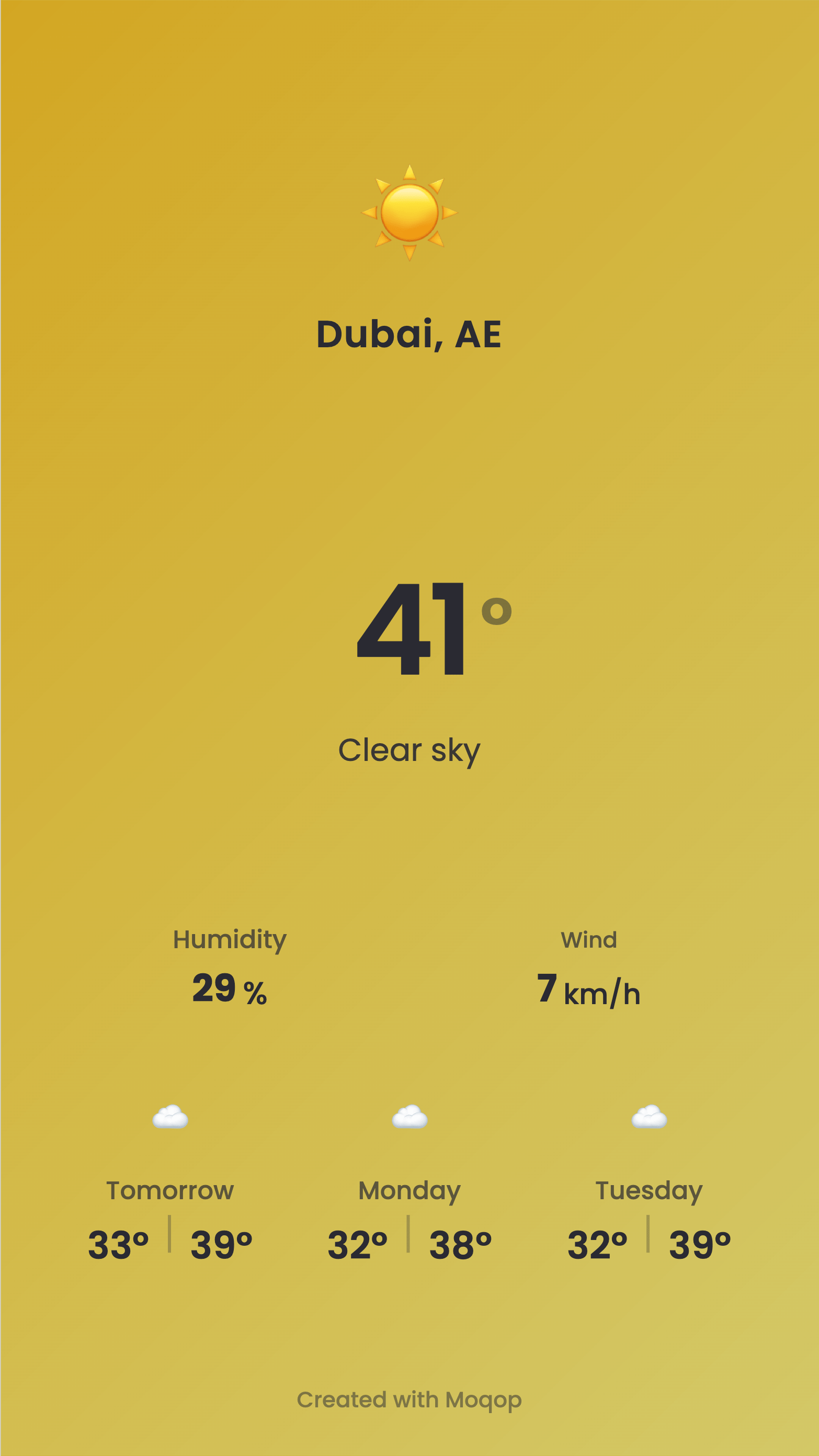
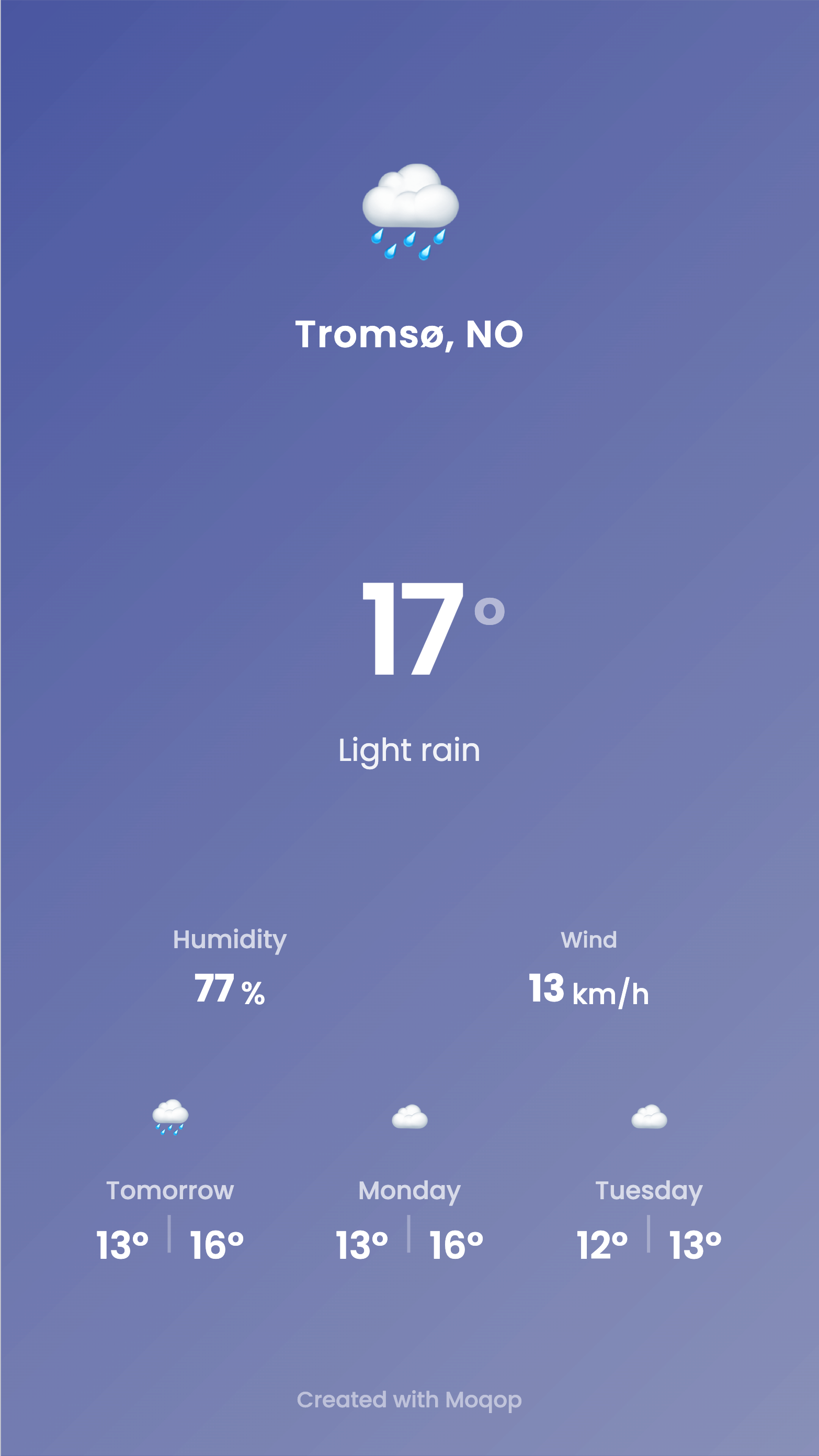
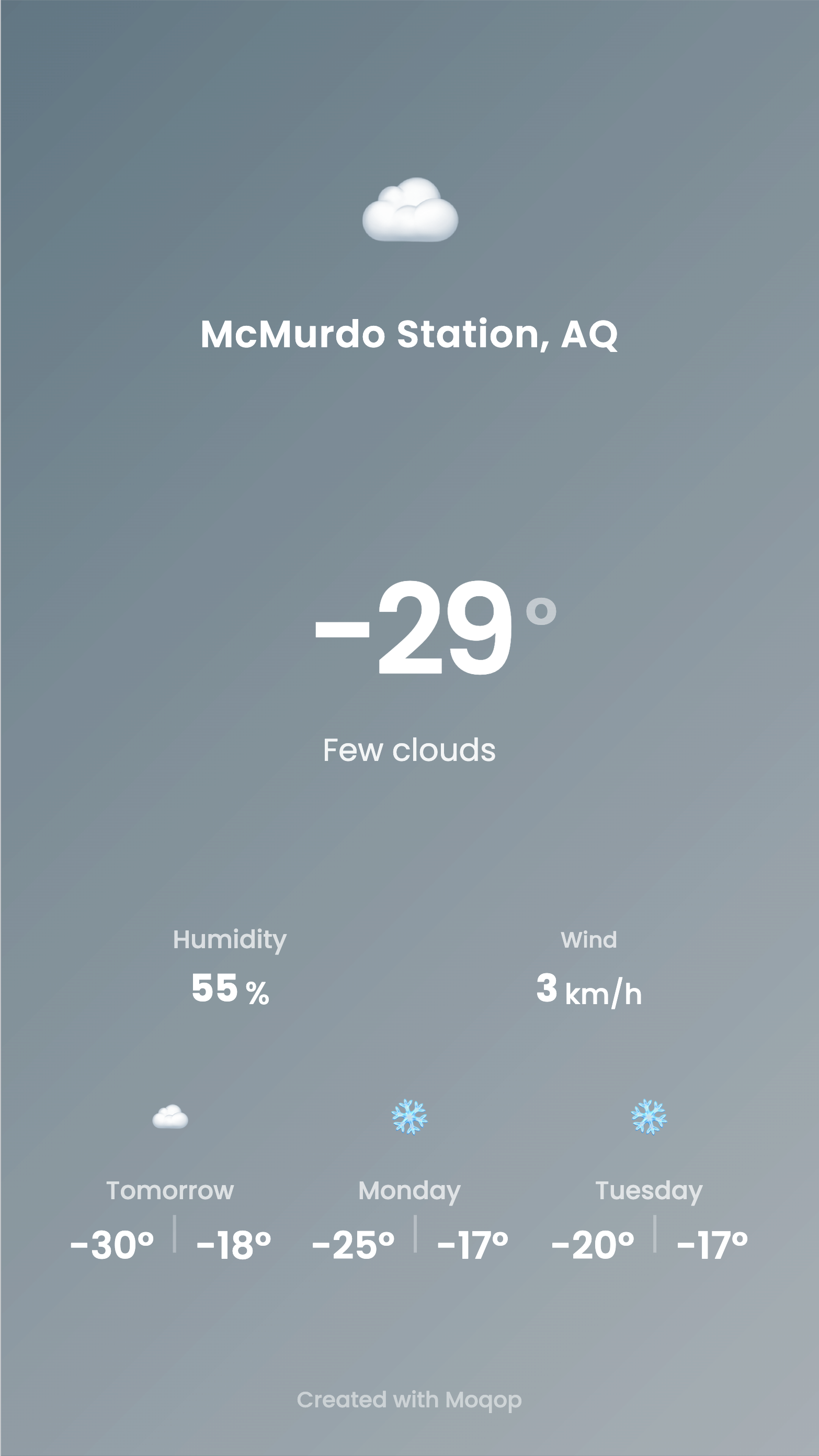
Search a city, and the forecast is ready in seconds—no manual lookup, no formatting. The theme automatically adapts to the conditions, so sunny, rainy, and overcast forecasts all look intentional rather than like a generic template.
Quick FAQ
What locations are supported? Global search for cities and popular places.
Can I change units? Yes—switch between Celsius and Fahrenheit anytime.
Is the data accurate? It's pulled from industry-standard weather APIs, though conditions can change quickly.
Try Weather to Instagram
template now