1. Open the Twitter to Instagram app
Visit moqop.com/app/twitter-to-instagram.
2. Paste the tweet URL
Copy the link to any public tweet.
3. Choose format and style
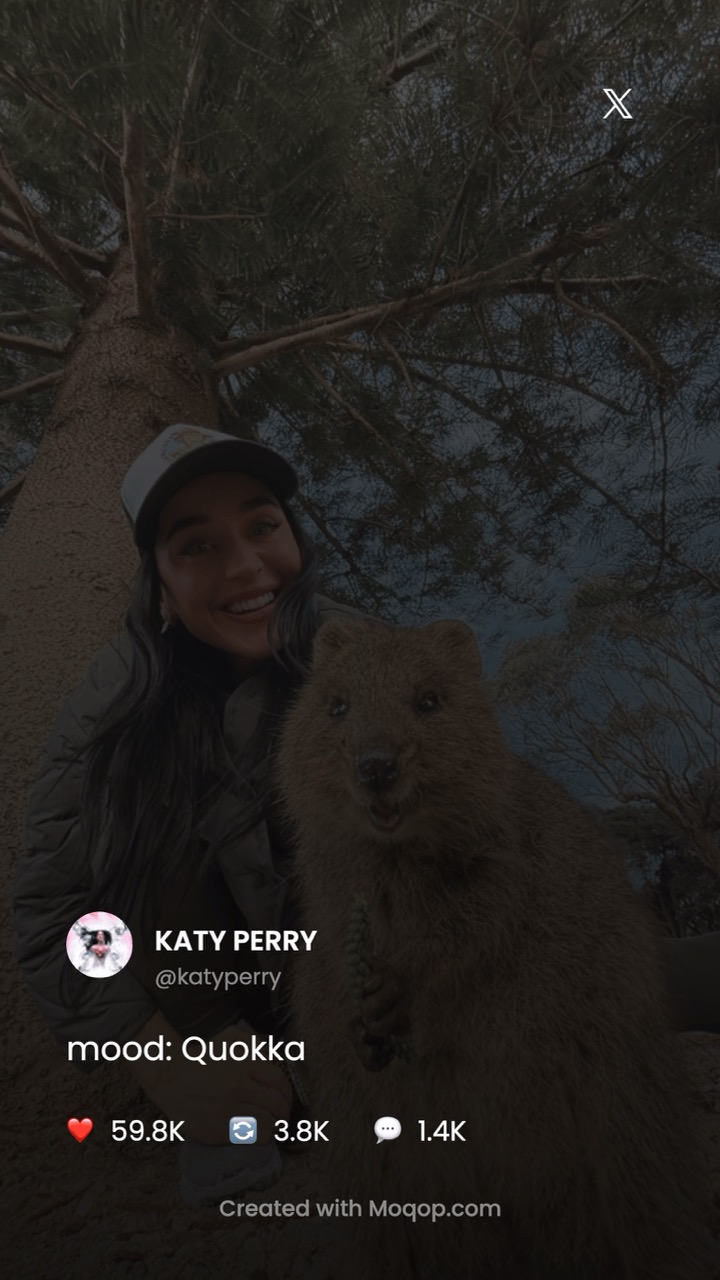
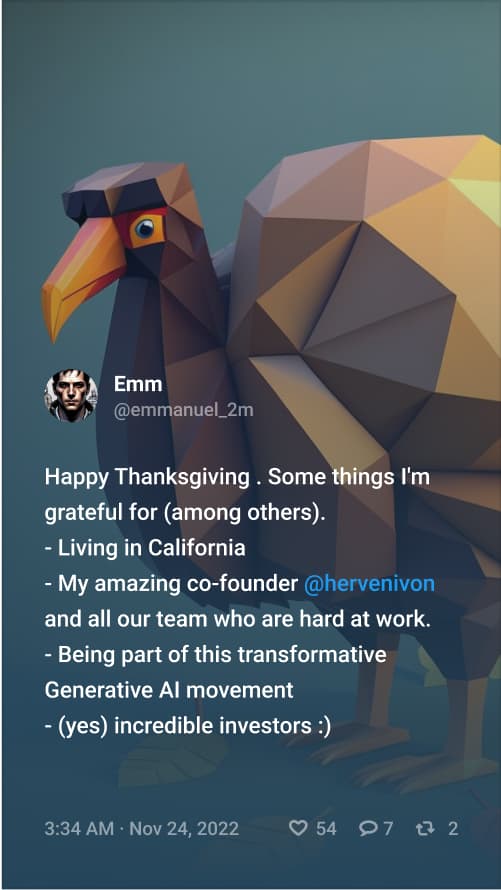
Story (9:16) or Square (1:1), and light or dark theme.
4. Customize what's shown
Toggle engagement stats (likes, retweets, replies), the profile photo, and whether to show a timestamp.
5. Download and post
Export and share on Instagram with your own caption.
Why bother reformatting instead of screenshotting
A raw screenshot carries browser chrome, cropped edges, and inconsistent sizing. A reformatted version reads cleanly at any size and matches the rest of your feed. It's also a straightforward way to reach an Instagram audience with a tweet they'd never otherwise see.
A few things worth doing
- Repost tweets with real engagement—it functions as social proof
- Use square format for anything you want to stay in your permanent feed
- Add your own take in the caption rather than reposting bare
- Credit the original author
Twitter
Instagram
Tutorial
X
MG
Milan Gladis, CEO of Moqop · Sep 04, 2025
Keep exploringTry X to Instagram




Try X to Instagram
template now
X
toInstagram
Visualise posts published on X as a pretty template for Instagram posts or stories.

Generate Image