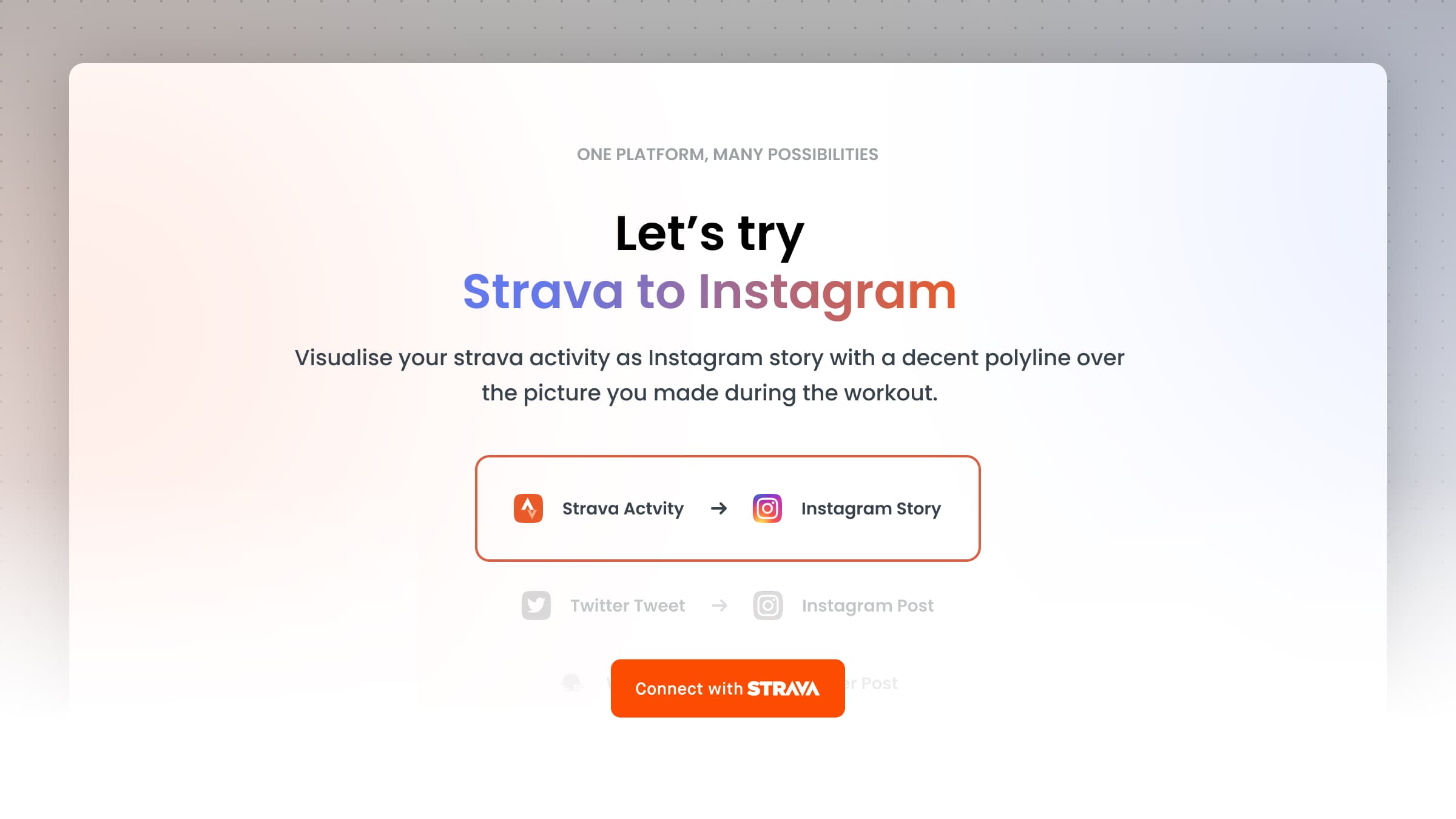
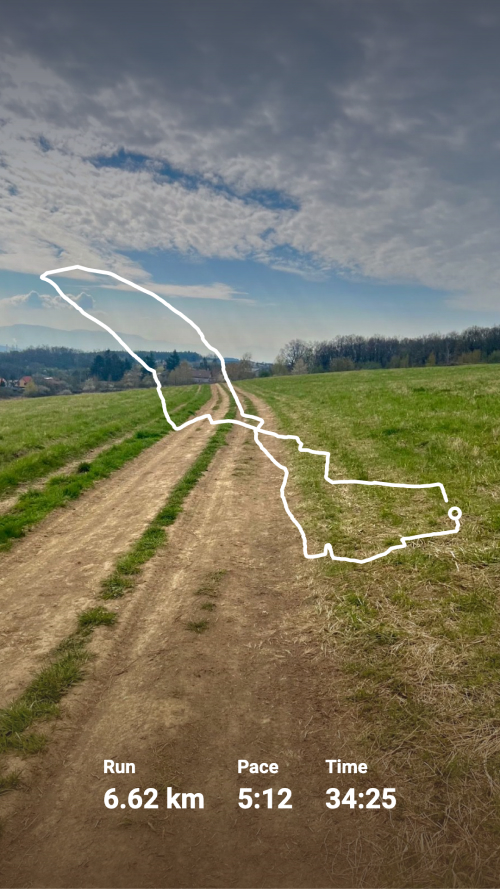
Sharing a workout used to mean a plain screenshot from the Strava app. Here's how to turn it into something worth posting instead.
1. Open the Strava to Instagram template
Go to Strava to Instagram and open the Studio.
2. Connect your Strava account
Click "Connect Strava" and log in. Moqop only requests read access to your activities.
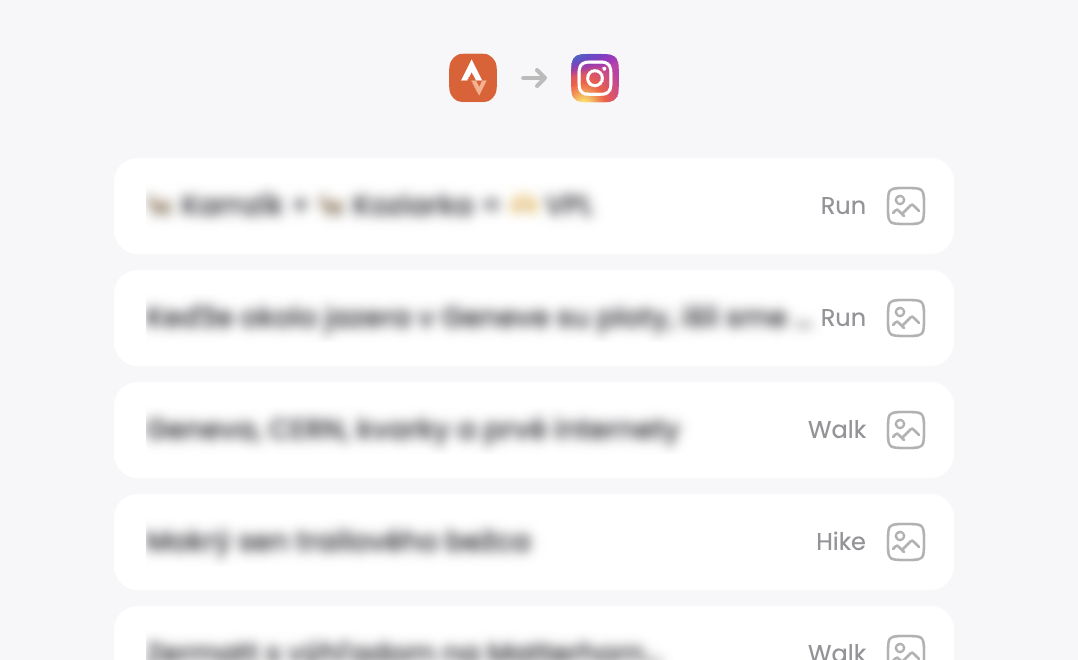
3. Pick the activity
Select the run, ride, or workout you want to turn into an image.
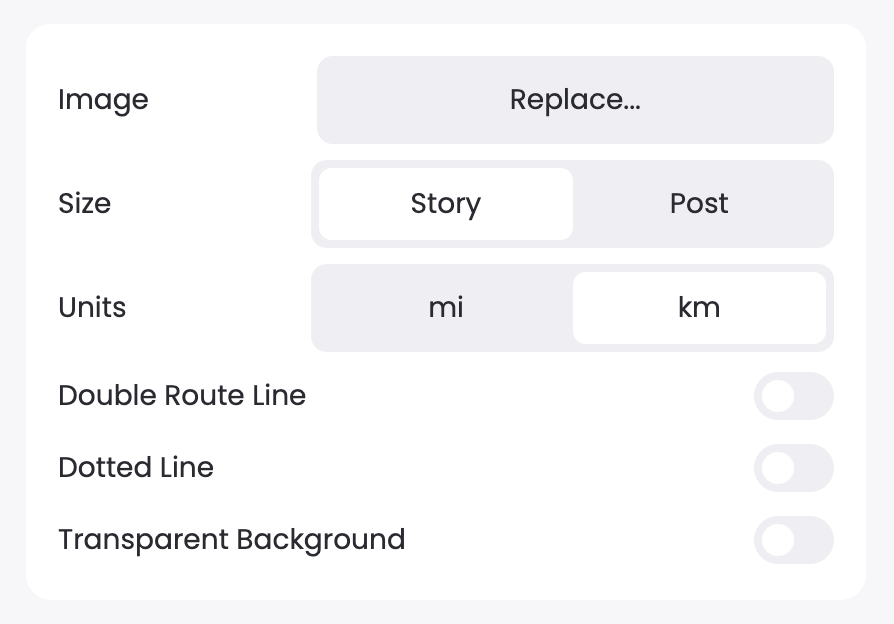
4. Customize the design
Adjust the layout, stats, and colors in Moqop Studio until it looks right.
5. Download and post
Save the image—or the transparent sticker version—and post it as an Instagram Story.
On mobile, long-press the image and save it to your gallery. On desktop, right-click and "Save image as."
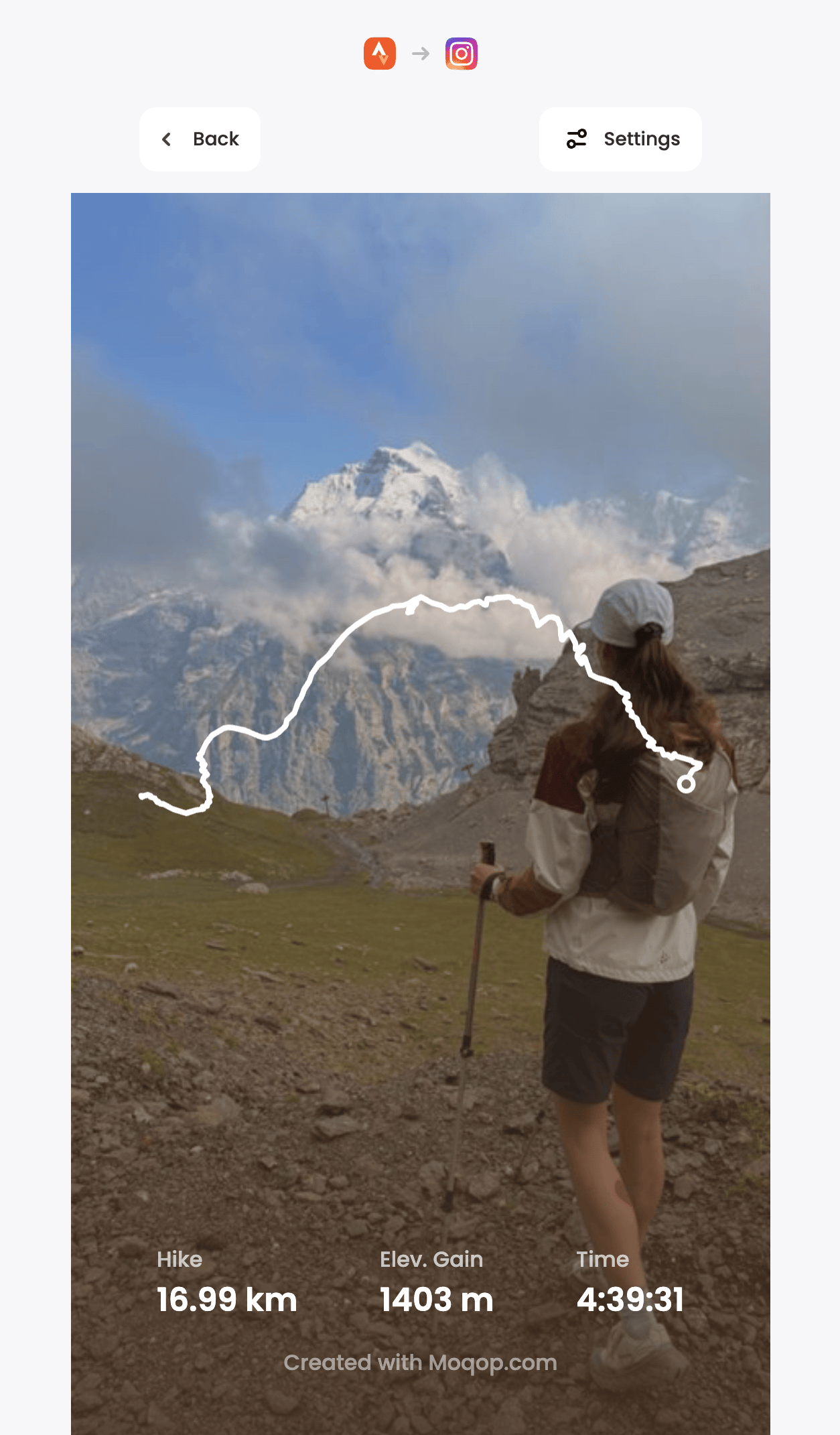
Strava
Instagram
Tutorial
MG
Milan Gladis, CEO of Moqop · Aug 31, 2025
Keep exploringTry Strava to Instagram


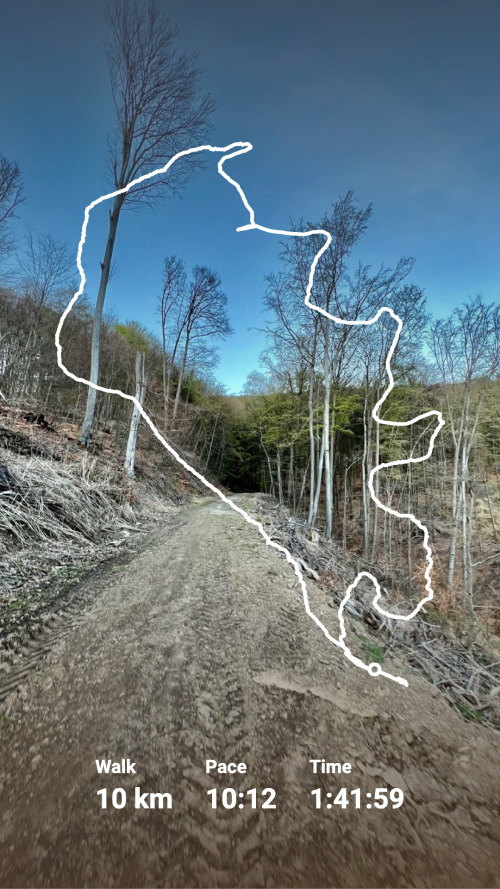
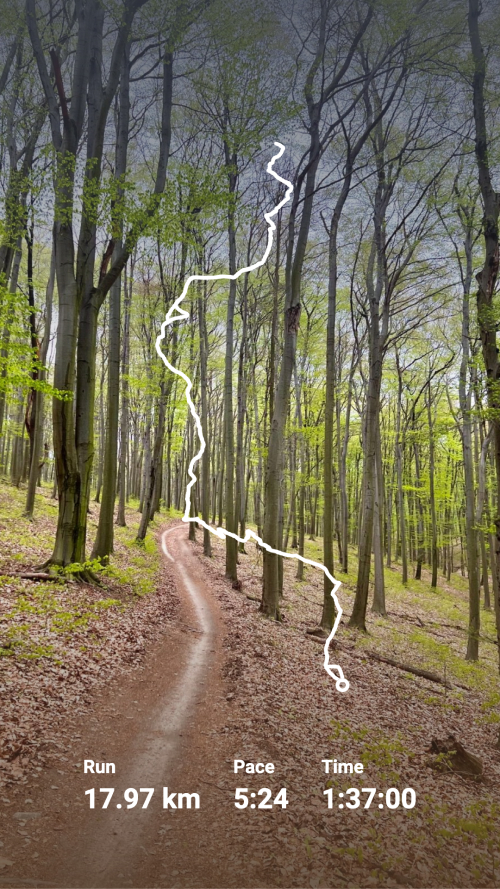
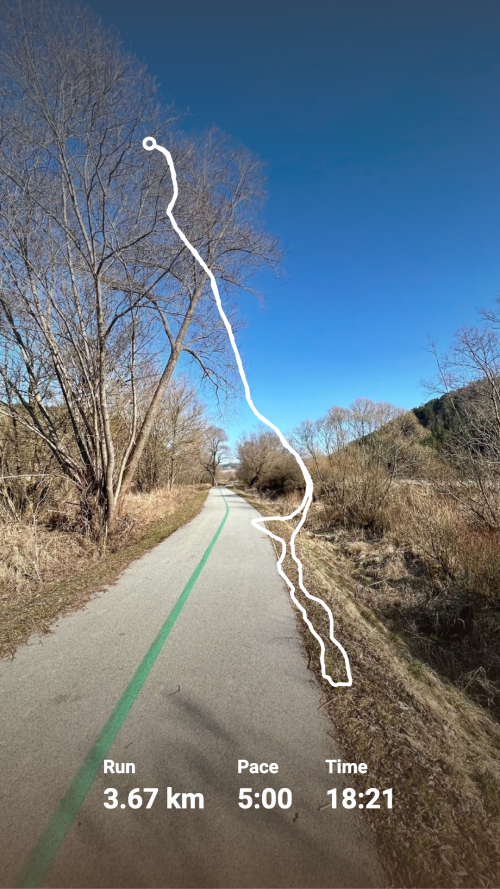
Try Strava to Instagram
template now
Strava
toInstagram
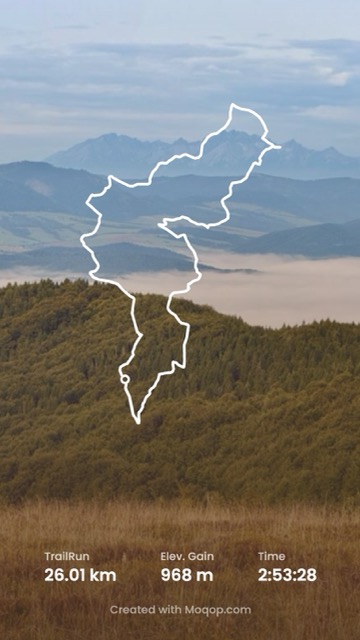
Generate Instagram Story from Strava activity and visualise running or cycling with a decent polyline over the picture.
Generate Image