1. Open the Crypto to Instagram app
Visit moqop.com/app/crypto-to-instagram.
2. Pick a coin and timeframe
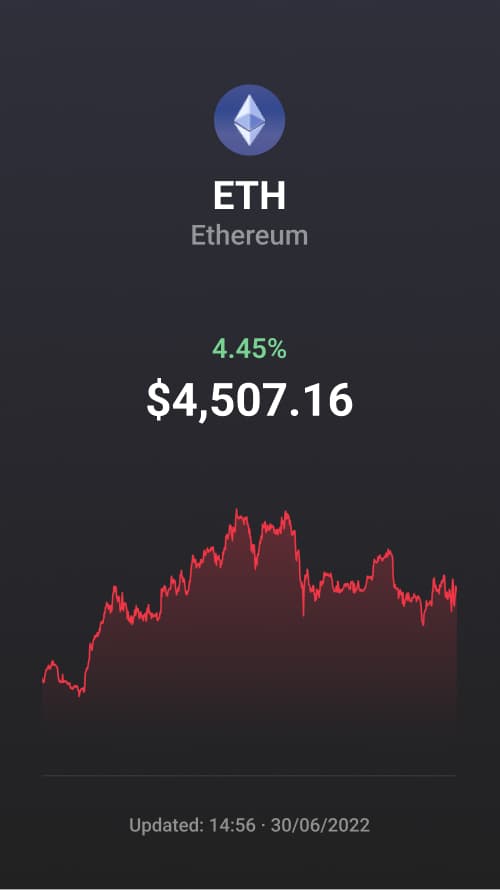
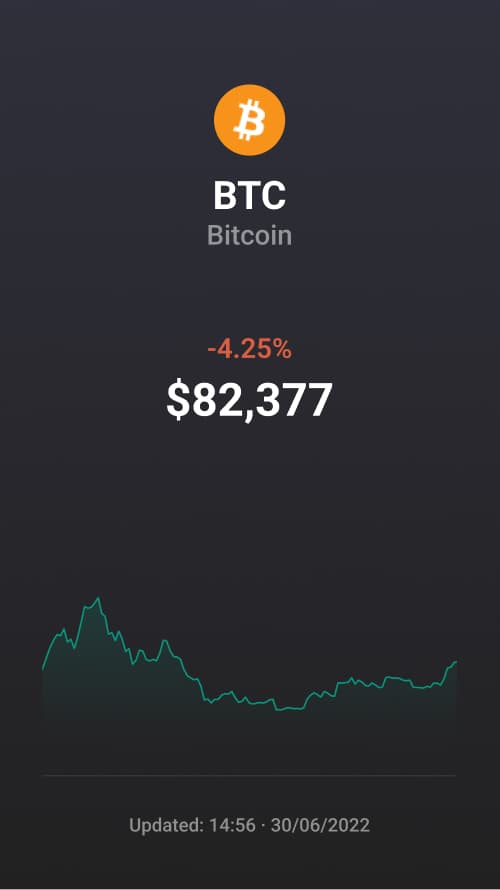
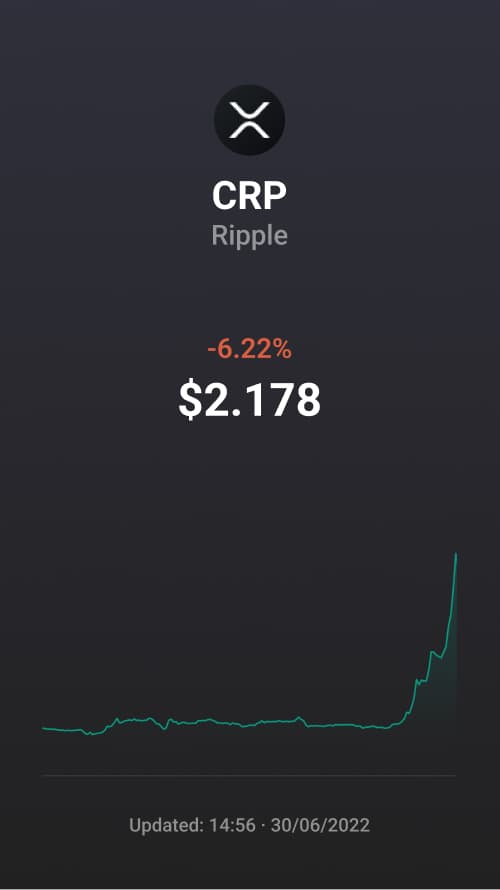
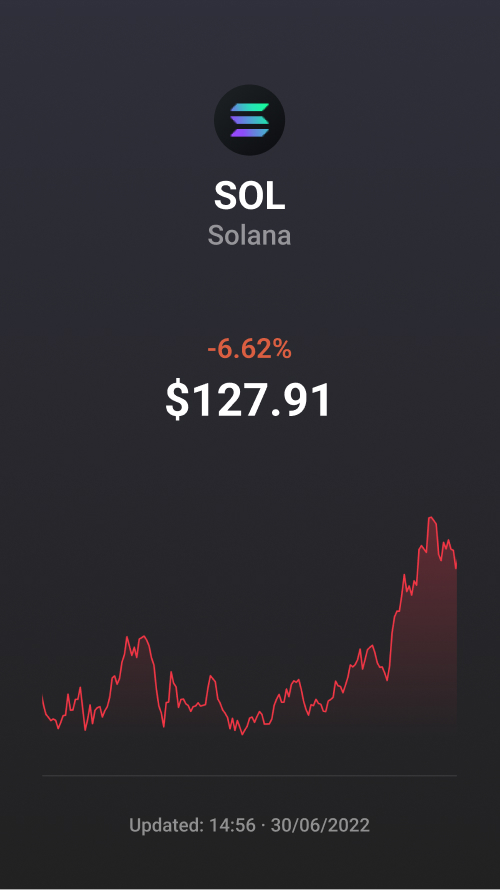
Search for BTC, ETH, SOL, or any supported symbol, and choose 24h, 7d, 30d, 90d, or 1y.
3. Set the theme and metrics
Switch between dark and light, and add market cap, volume, or rank if you want them shown.
4. Choose a format
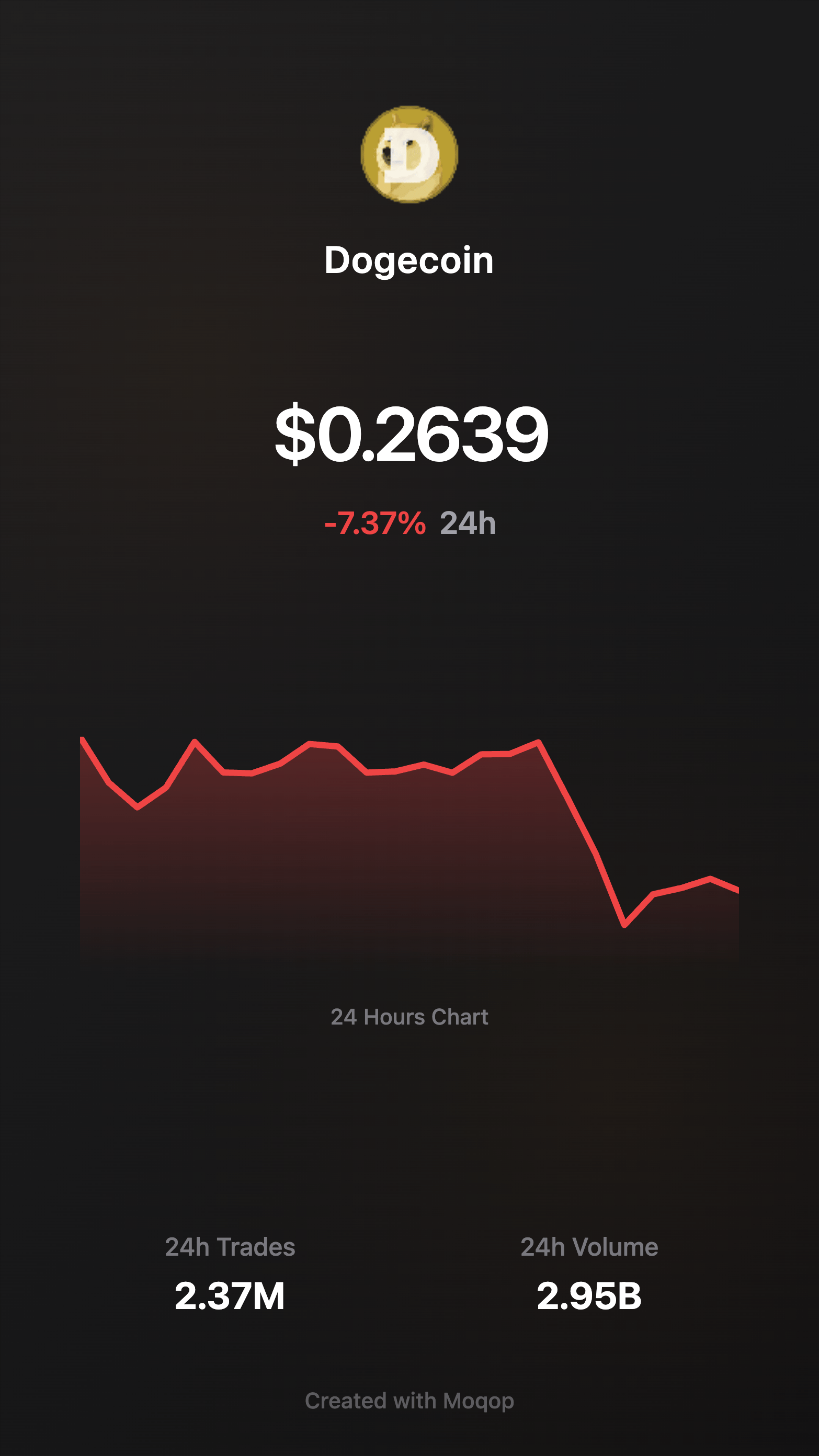
Export as Story (9:16) or Square (1:1).
5. Download and share
Post to Instagram with a short caption and the relevant ticker or hashtag.
Why use it
No charting software, no API key—just live data from major exchanges, styled consistently every time you post. That consistency is what makes a trading or market-update account look intentional instead of thrown together.
Quick FAQ
Is the price data real-time? Yes, pulled live from major exchanges.
Do I need an API key? No.
Does it work on mobile? Yes—create, download, and post from your phone.
Crypto
Instagram
Tutorial
MG
Milan Gladis, CEO of Moqop · Sep 01, 2025
Keep exploringTry Crypto to Instagram


Try Crypto to Instagram
template now
Crypto
toInstagram
Visualize cryptocurrency prices, charts, and market data in beautiful Instagram-ready posts. Support for Bitcoin, Ethereum, and 1000+ other cryptocurrencies.
Generate Image