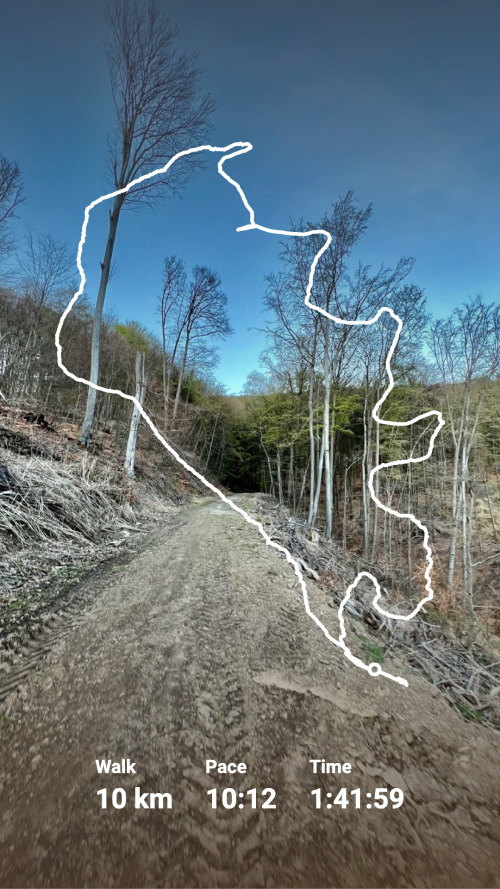
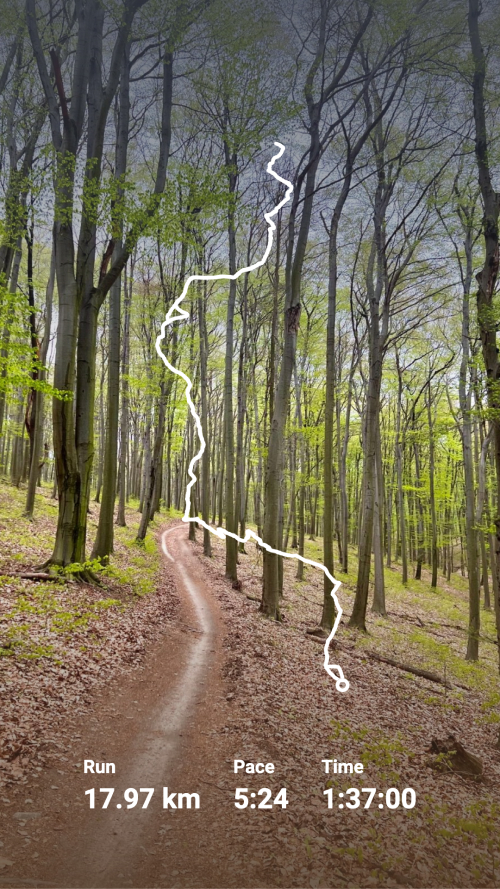
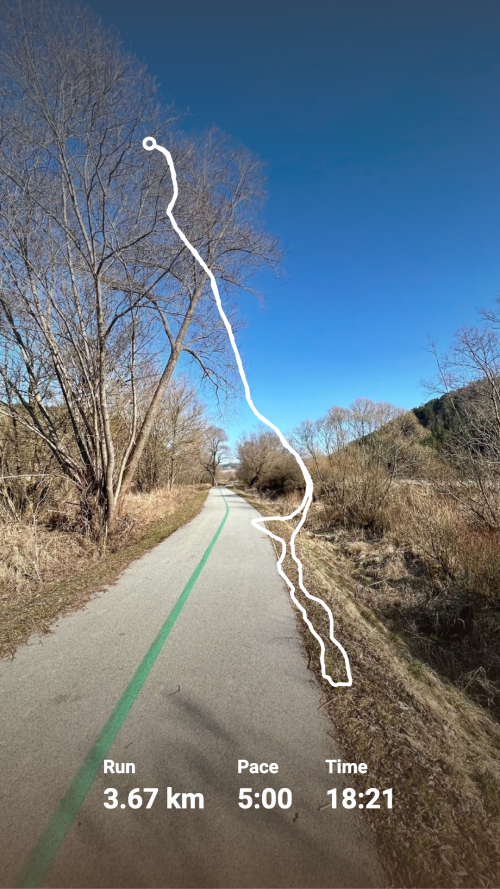
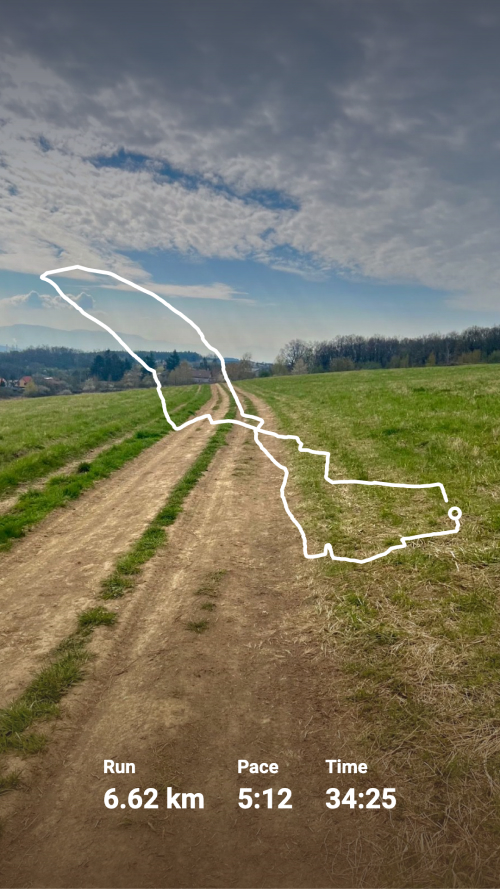
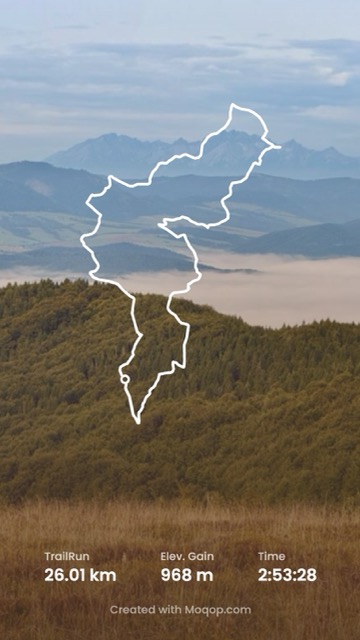
Showing every available stat isn't the goal—showing the ones that actually tell the story of the workout is.
1. Open the app
Go to moqop.com/app/strava-to-instagram and connect your Strava account.
2. Choose the activity
Select the workout you want to feature.
3. Pick which stats to show
- Essential — distance, time, pace
- Performance — speed, elevation, calories
- Advanced — heart rate zones, power data
4. Format for a story
Select Story (9:16), choose metric or imperial units, and adjust text size and placement.
5. Generate and post
Which stats actually matter
Distance and time are worth including on nearly every post—they give baseline context. Pace or speed shows the effort level. Elevation matters a lot for hilly or trail routes and not much for a flat road run—include it when it's part of the story, skip it when it isn't. And a route map is worth adding whenever the path itself is interesting, not just as decoration.
The general rule: highlight the one or two numbers that make this particular workout notable, and let the rest stay optional rather than crowding the image with everything Strava tracked.
Try Strava to Instagram
template now