1. Open the Strava to Instagram app
Go to moqop.com/app/strava-to-instagram.
2. Connect Strava
Log in with read-only access to your activities.
3. Pick your workout
Select a run, ride, hike, or any other tracked activity.
4. Choose Story format
Select Instagram Story (9:16) for the best fit on mobile.
5. Customize
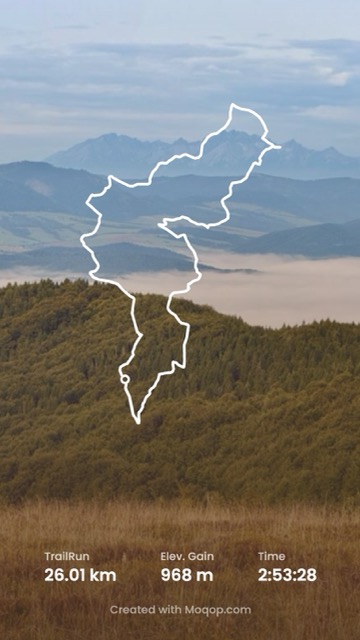
Toggle which stats to show, turn the route map on or off, and choose your units.
6. Generate, download, post
Export the image, save it, and upload it as your Instagram story—add your own caption or stickers on top.
Why bother with this instead of a screenshot
It takes about the same amount of time as a screenshot, but the result looks intentional instead of like a raw app capture—which matters if you're posting workouts regularly enough that your feed builds a visual identity.
Strava
Instagram
Tutorial
Story
MG
Milan Gladis, CEO of Moqop · Sep 04, 2025
Keep exploringTry Strava to Instagram


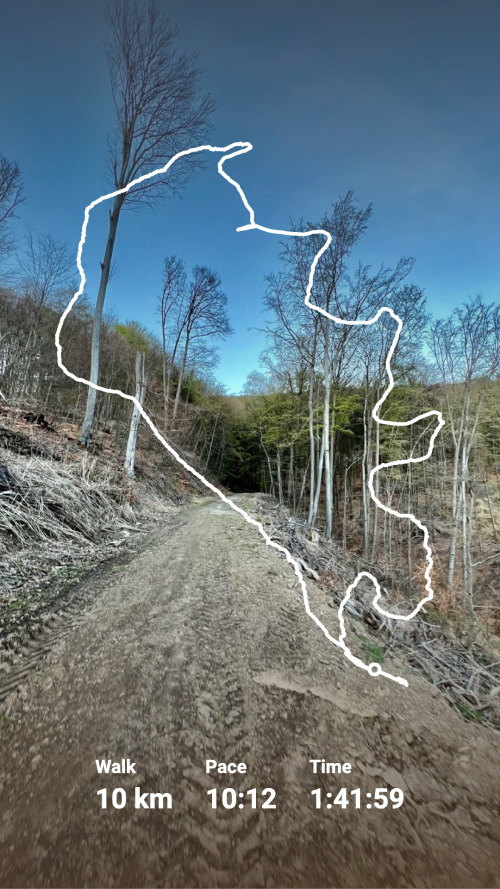
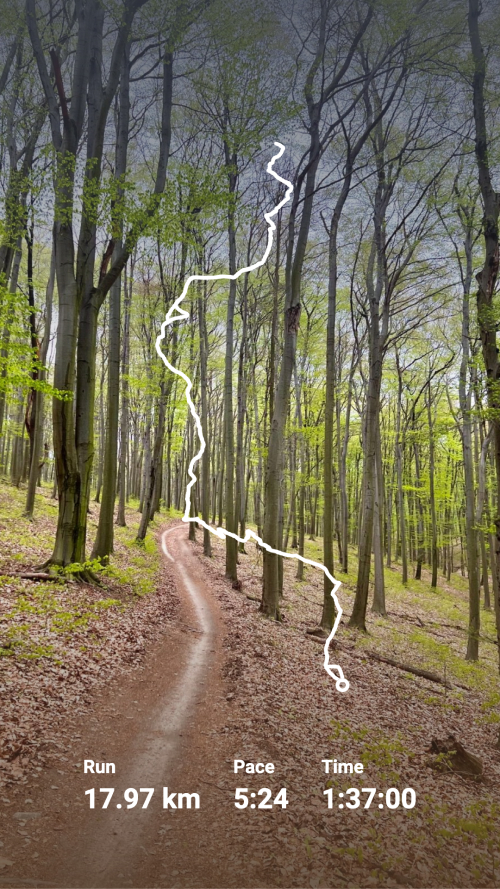
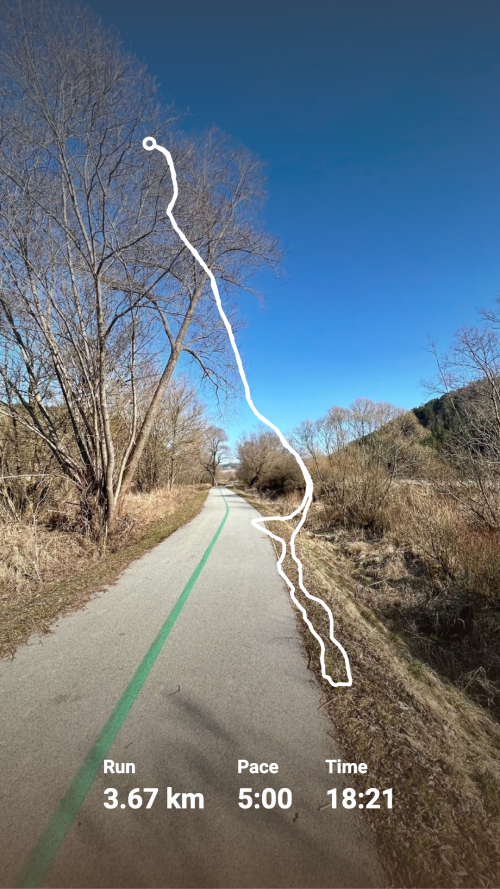
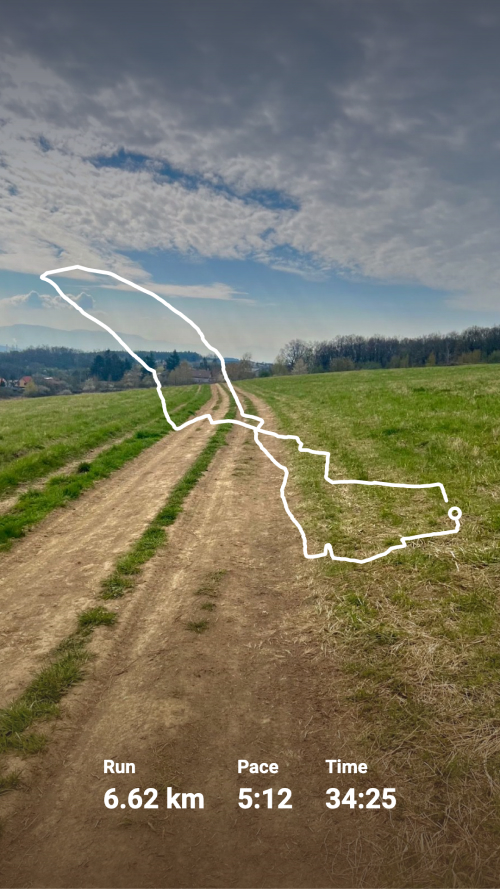
Try Strava to Instagram
template now
Strava
toInstagram
Generate Instagram Story from Strava activity and visualise running or cycling with a decent polyline over the picture.
Generate Image