1. Open the Weather to Instagram app
Go to moqop.com/app/weather-to-instagram.
2. Search your location
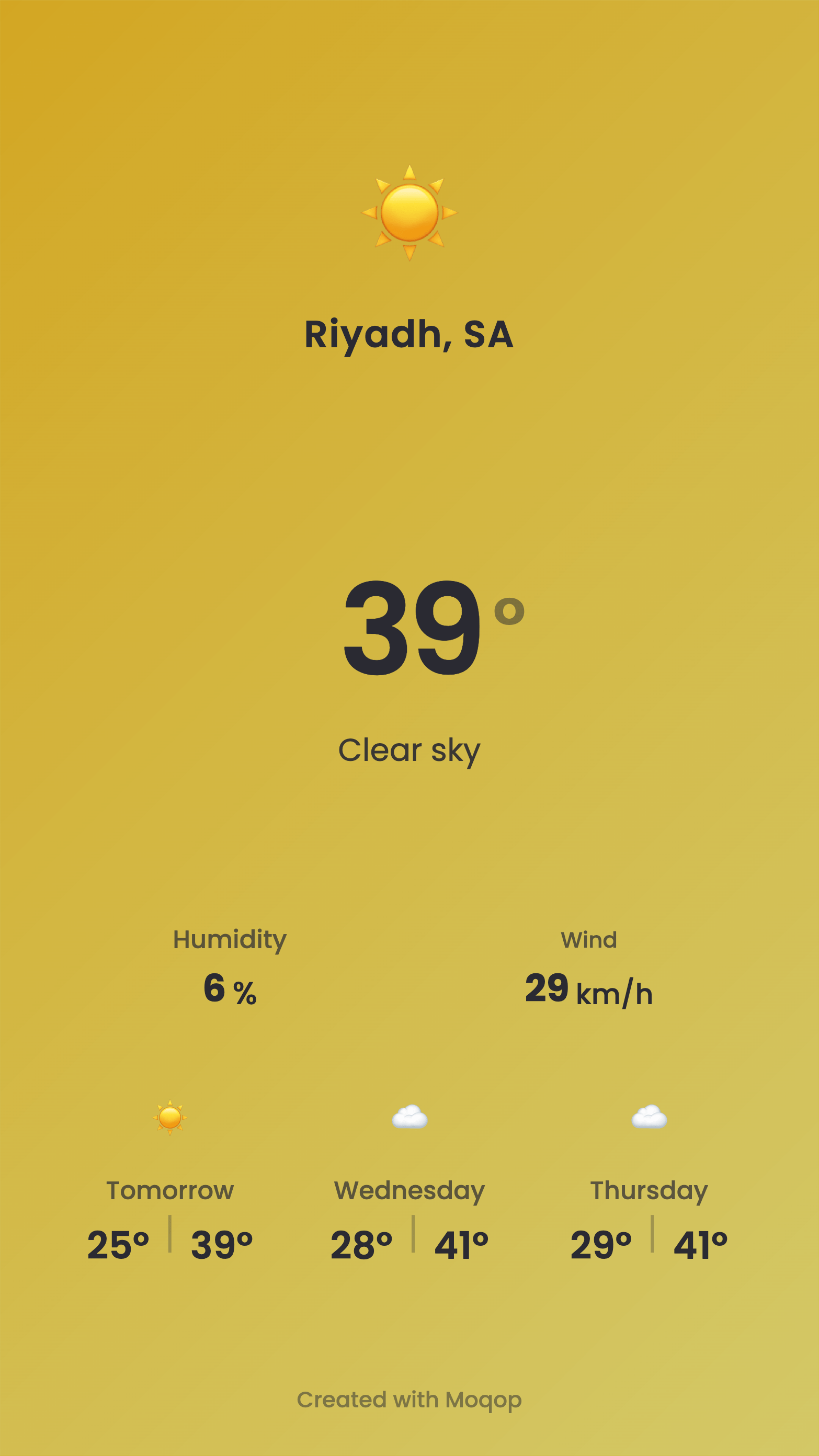
Enter any city or place—current conditions and forecast load automatically.
3. Choose the forecast length
Select 1–5 days depending on what you're posting.
4. Pick format and units
Story (9:16) or Square (1:1); Celsius or Fahrenheit.
5. Download and share
Export the graphic and post it to your story.
Where this is useful
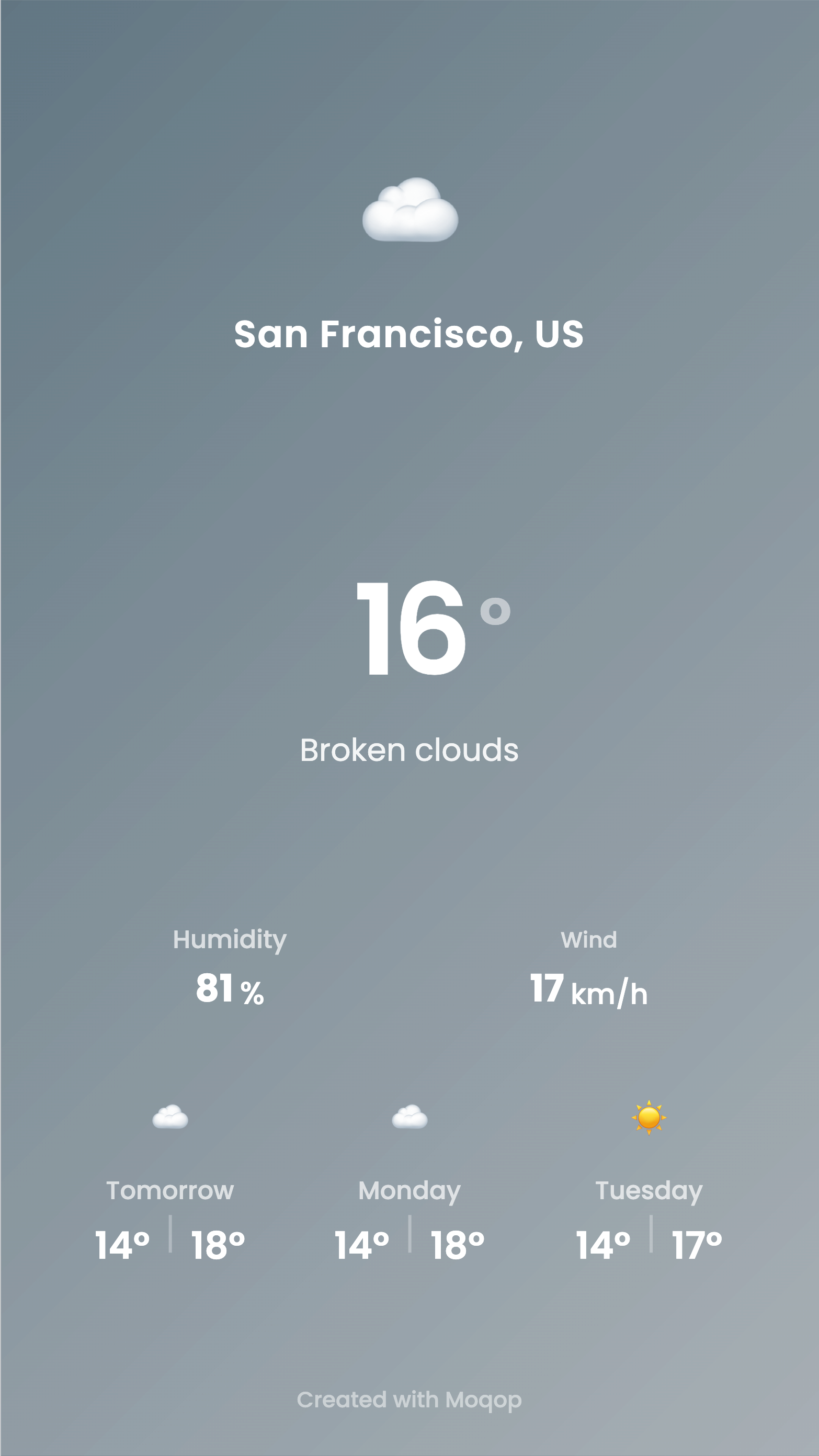
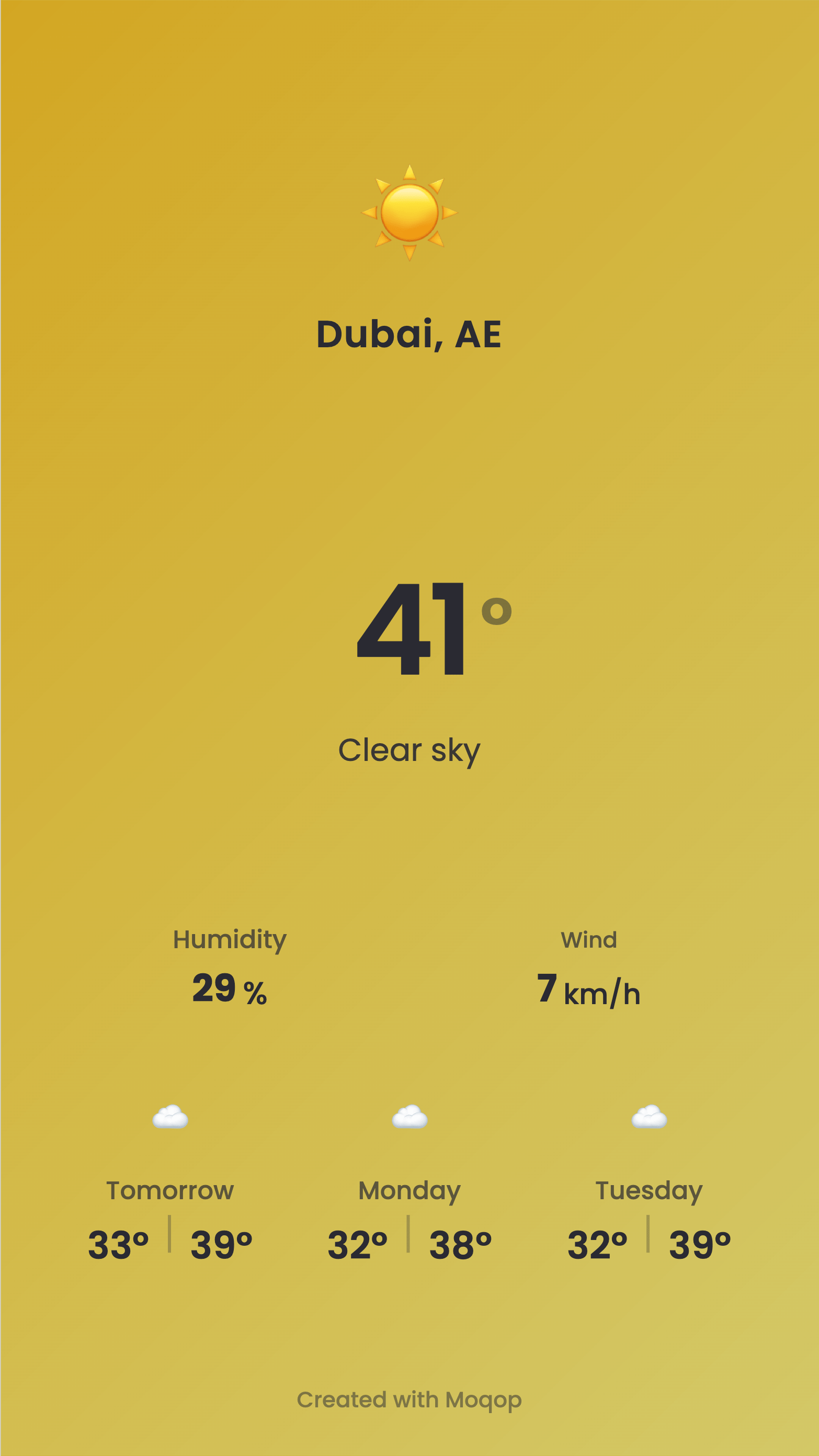
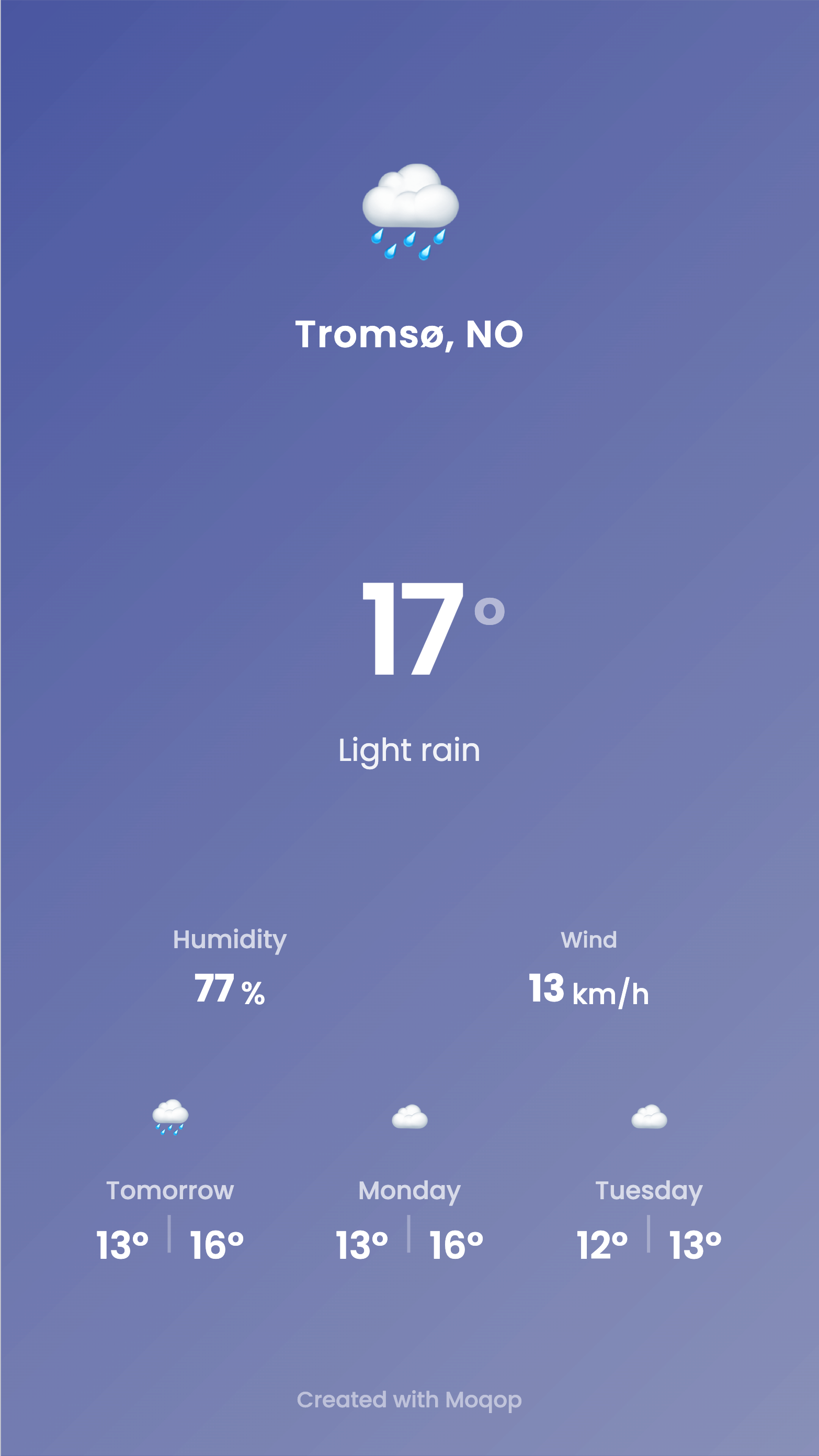
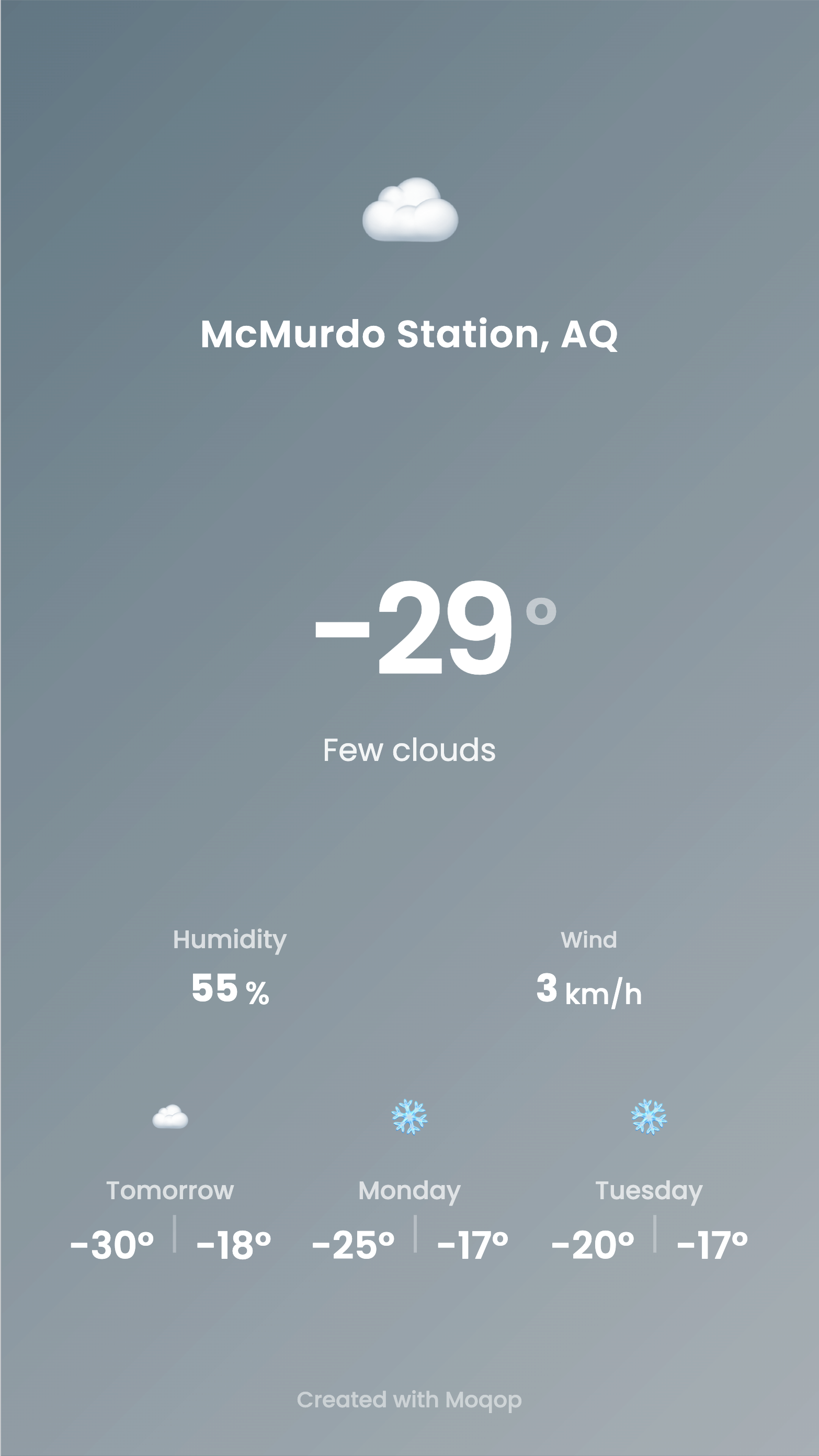
Travel accounts can show conditions at a destination. Local pages can post daily updates their audience actually checks. Event organizers can give attendees a heads-up on what to expect. In all three cases, the theme adapts automatically to the conditions, so a sunny forecast and a storm warning don't end up looking the same.
Weather
Instagram
Tutorial
MG
Milan Gladis, CEO of Moqop · Sep 04, 2025
Keep exploringTry Weather to Instagram


Try Weather to Instagram
template now
Weather
toInstagram
Visualise the weather forecast for the next days in your Instagram stories.
Generate Image