1. Open the map generator
Go to moqop.com/app/strava-to-instagram.
2. Connect your Strava account
Read-only access, nothing more.
3. Pick an activity with GPS data
Any run, ride, or hike with a tracked route.
4. Turn on the map
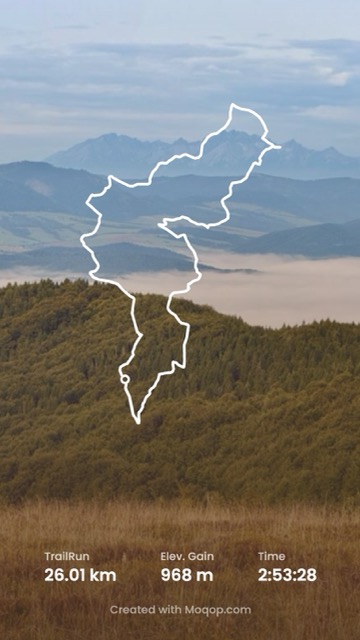
Enable the route display in the customization panel—it frames automatically to fit the track.
5. Style it
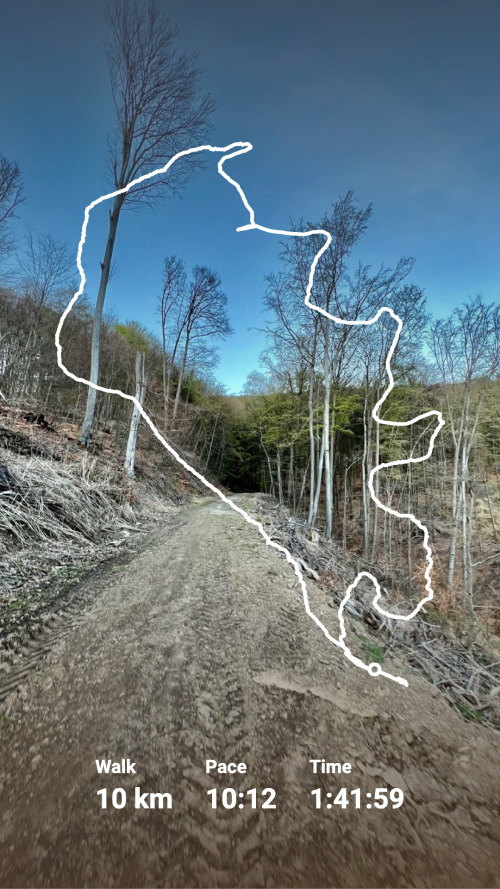
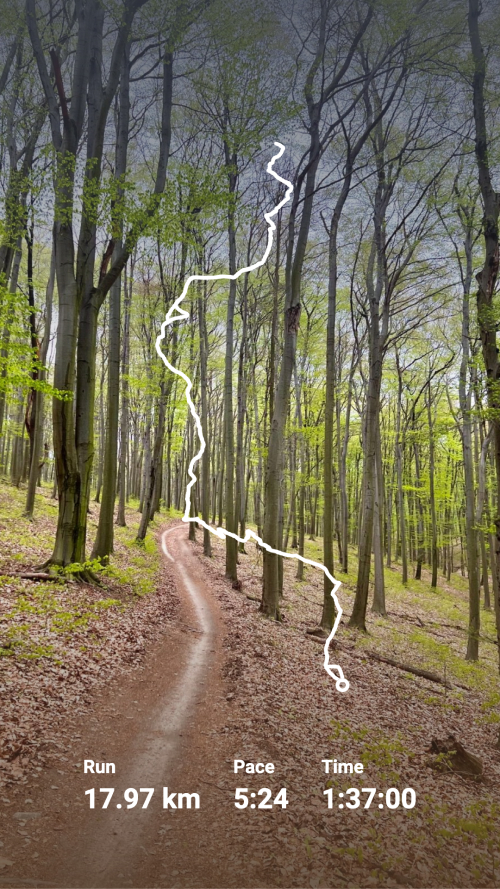
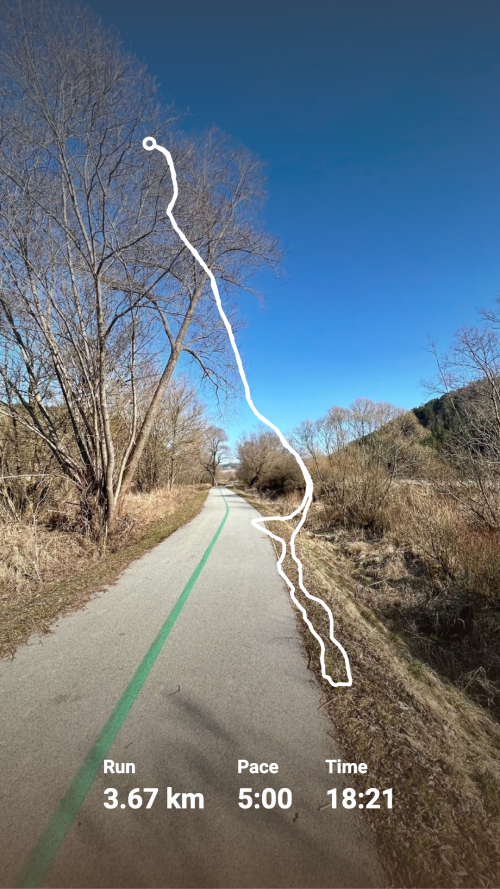
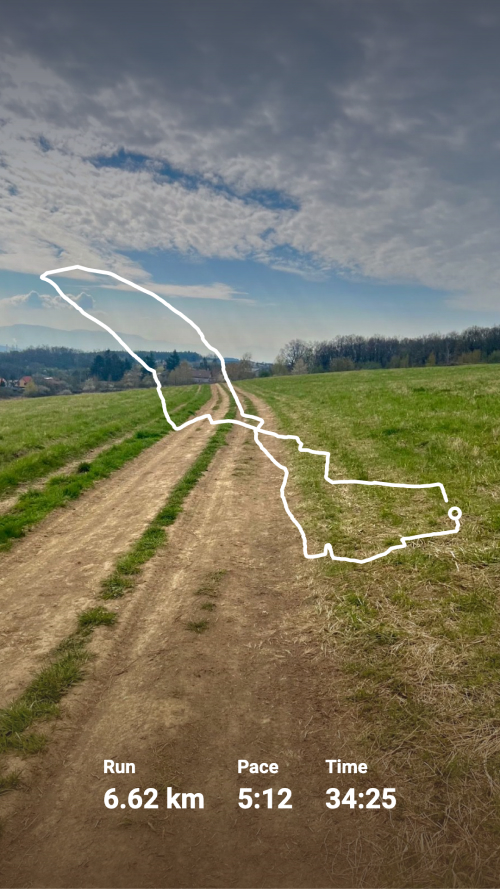
Choose a line style (solid, dotted, double-line) and a color, and decide whether to add distance or elevation data alongside it.
6. Choose your format and export
Story (9:16) or Square (1:1)—download and you're done.
Where this is most useful
A styled route map does more than a stat card when the point of the post is where you went, not just how fast: a new trail, a scenic ride, a hike with real elevation change. Keep the surrounding text light so the shape of the route stays the focus, and use elevation data when it's part of the story—a flat 10K and a mountain climb shouldn't look the same.
Strava
Instagram
Tutorial
Map
GPS
MG
Milan Gladis, CEO of Moqop · Sep 04, 2025
Keep exploringTry Strava to Instagram


Try Strava to Instagram
template now
Strava
toInstagram
Generate Instagram Story from Strava activity and visualise running or cycling with a decent polyline over the picture.
Generate Image